Campaigns
Restaurant email marketing that knows who came back
Restaurant email marketing built on the guest list your service keeps: write to the regulars, the big spenders or the guests who have not been back, from a template or a blank page, and only ever to the guests who said yes.
Highlights
Written to regulars, not to a list.
Start from one of more than 150 templates, from a birthday table to a slow Tuesday.
Pick an audience and see how many it reaches, and who they are, before you write a word.
Build it from blocks in your venue's theme, and see it on a phone before it goes.
Schedule it for the right hour, or let it send itself every week.
See who it reached, who clicked and which button they chose.
Restaurant email marketing to the guests who opted in
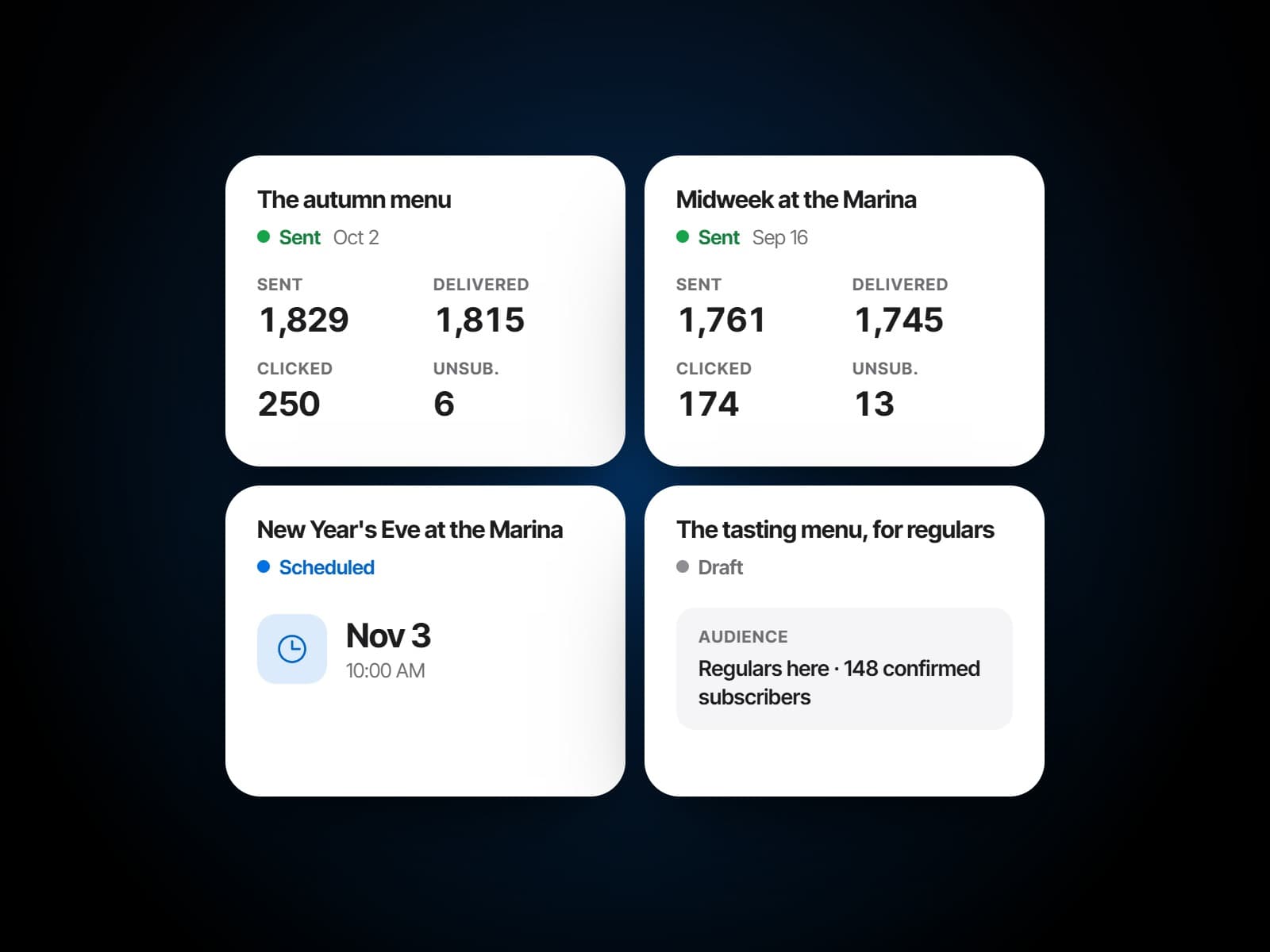
Guests subscribe as they book and confirm by email, and only confirmed subscribers are ever mailed. Every email carries an unsubscribe link, and an unsubscribe lands on the guest's own record at once. The campaigns list shows each send's deliveries, clicks and unsubscribes, and with Analytics, the campaign report follows the list's growth.
Audiences from what guests actually do
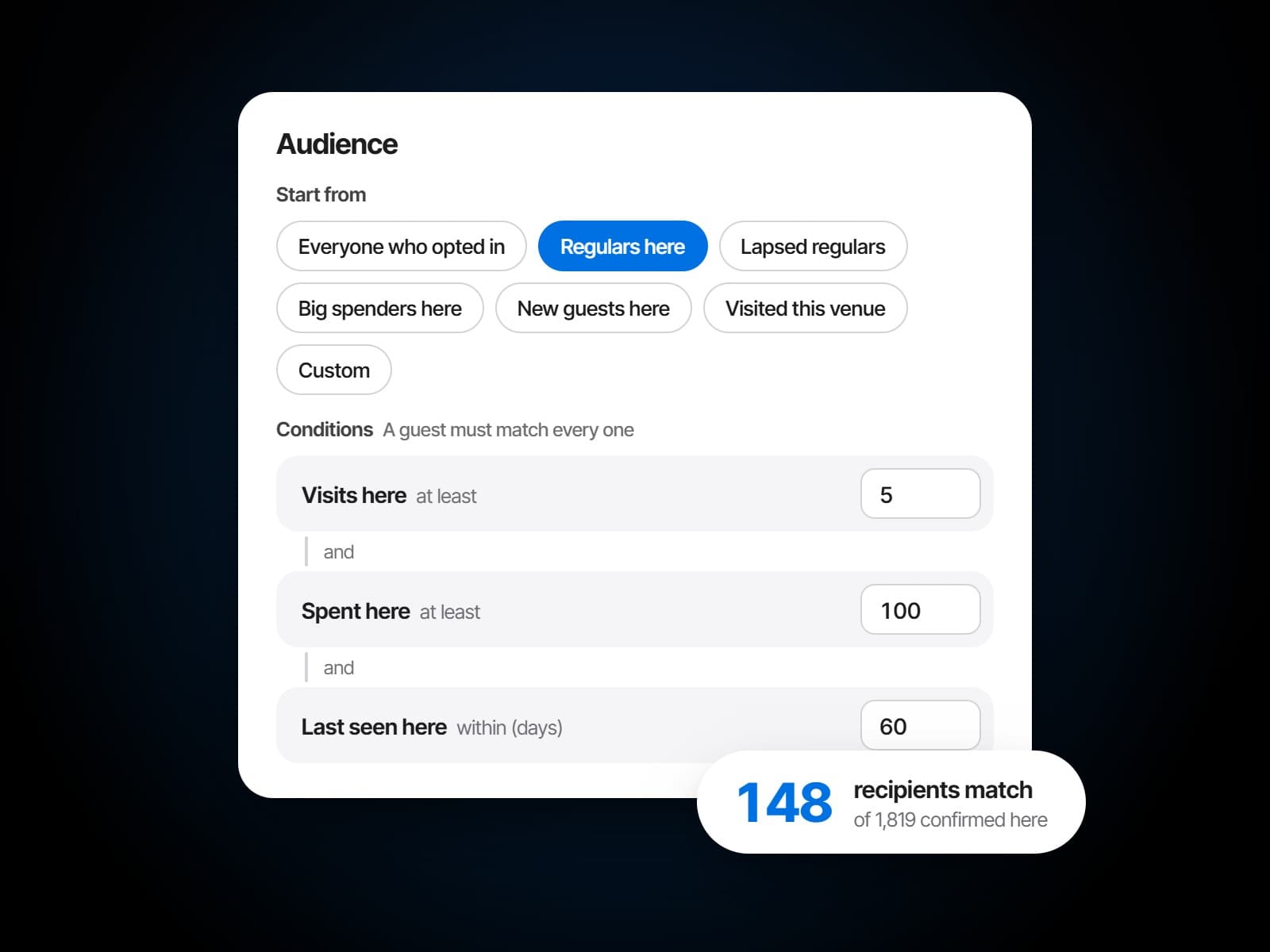
Start from a named audience, everyone who opted in, the regulars, the big spenders, the new guests or the lapsed regulars, then add conditions: tier, visits, spend, when they were last seen or how long since. Allergens and diets only ever leave guests out, and the count and a sample of who matches update as you go.
Email templates for every kind of night
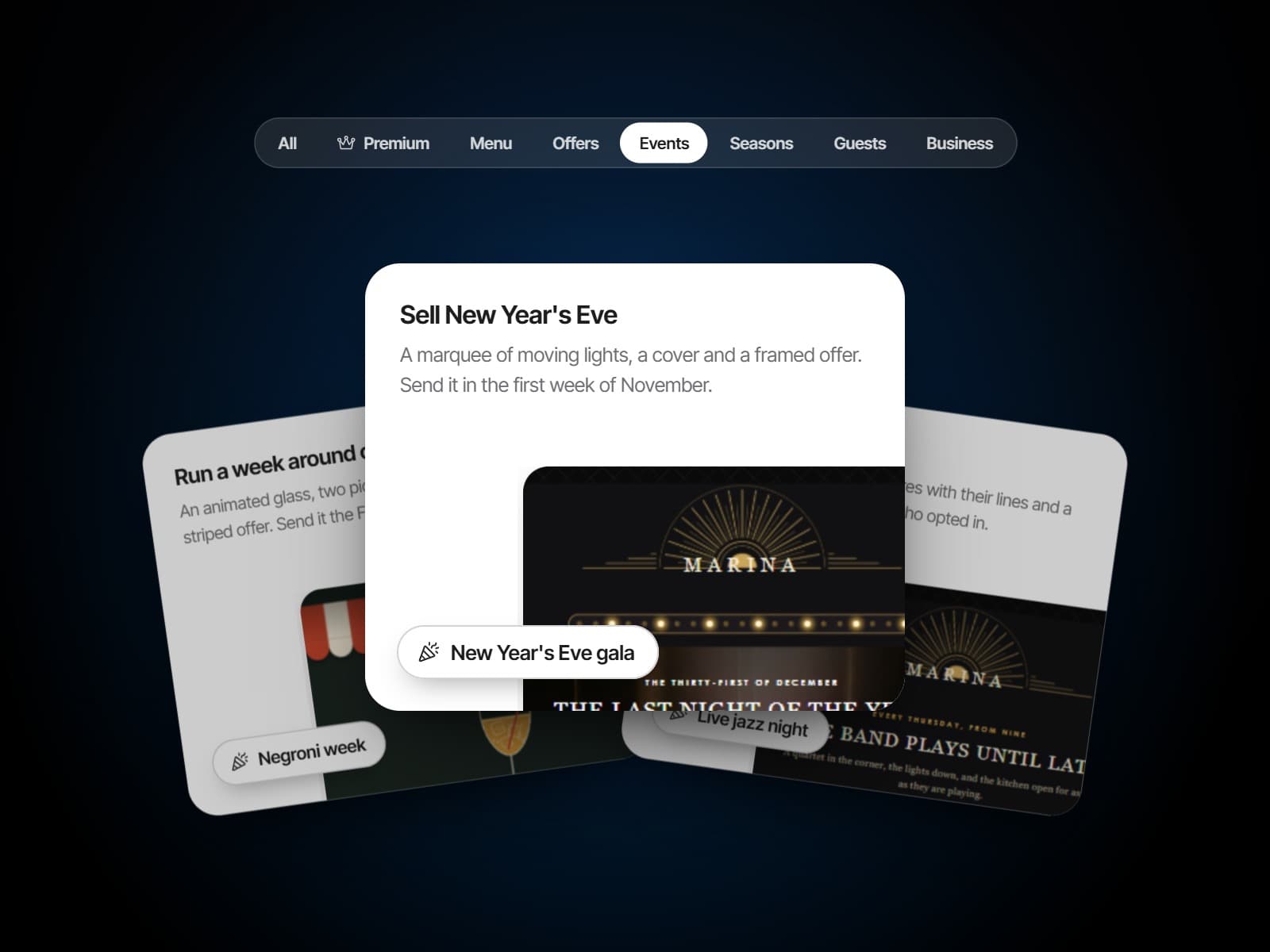
More than 150 templates in seven groups, from events, offers and the seasons to the menu, the guests and the business: a birthday table, a slow Tuesday, a new head chef, iftar, the terrace opening. Each opens in the editor as a finished draft, ready to make your own.
One campaign
Write it, send it, read it.
A campaign from the first draft to the last click.
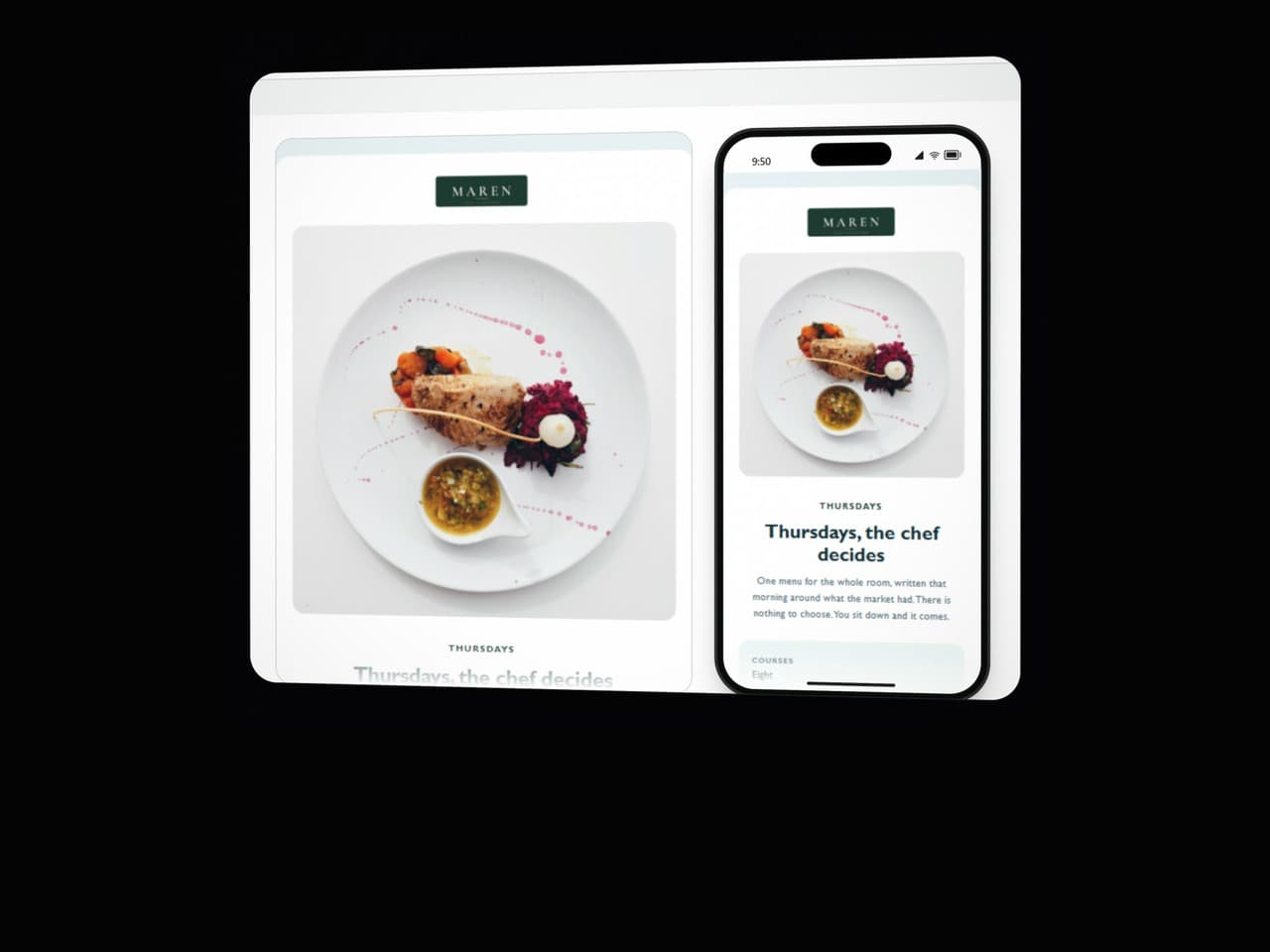
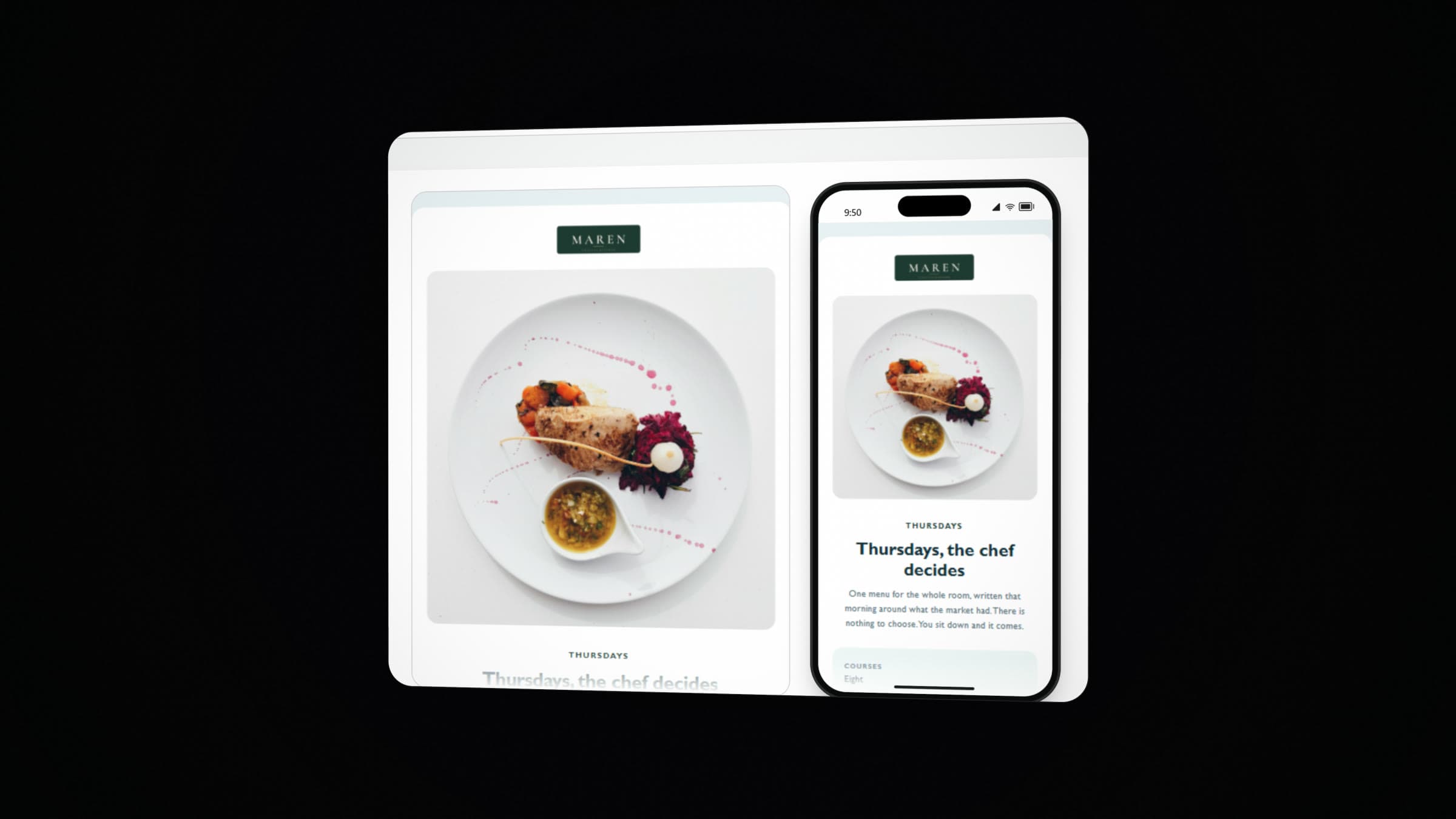
From a template or a blank page
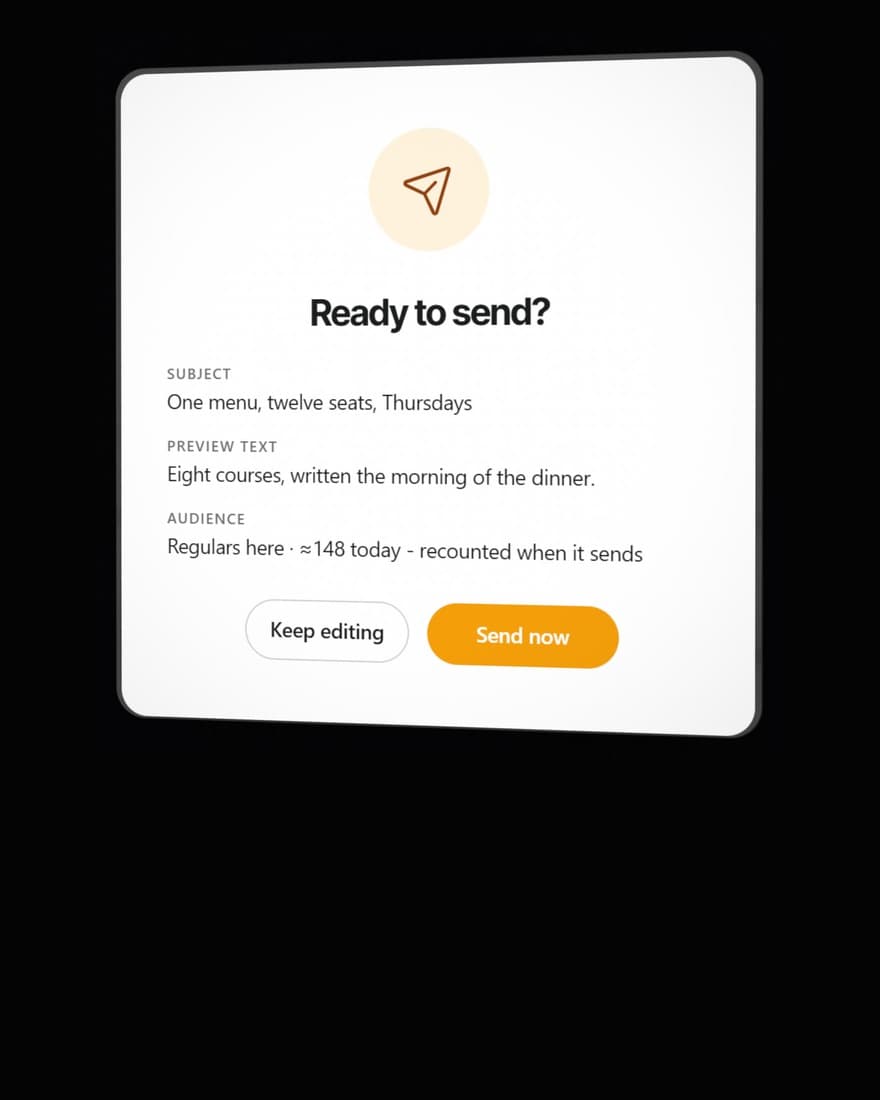
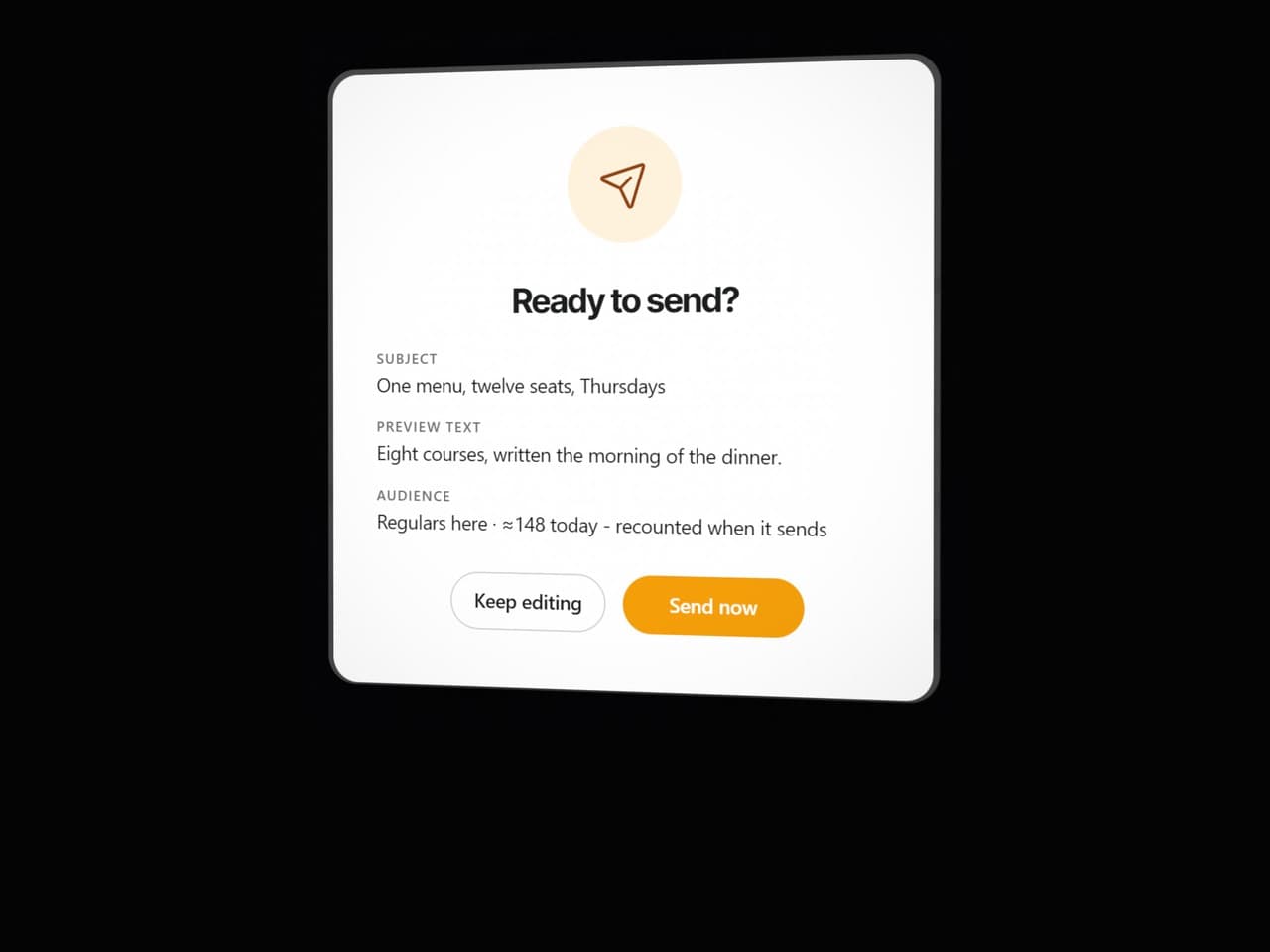
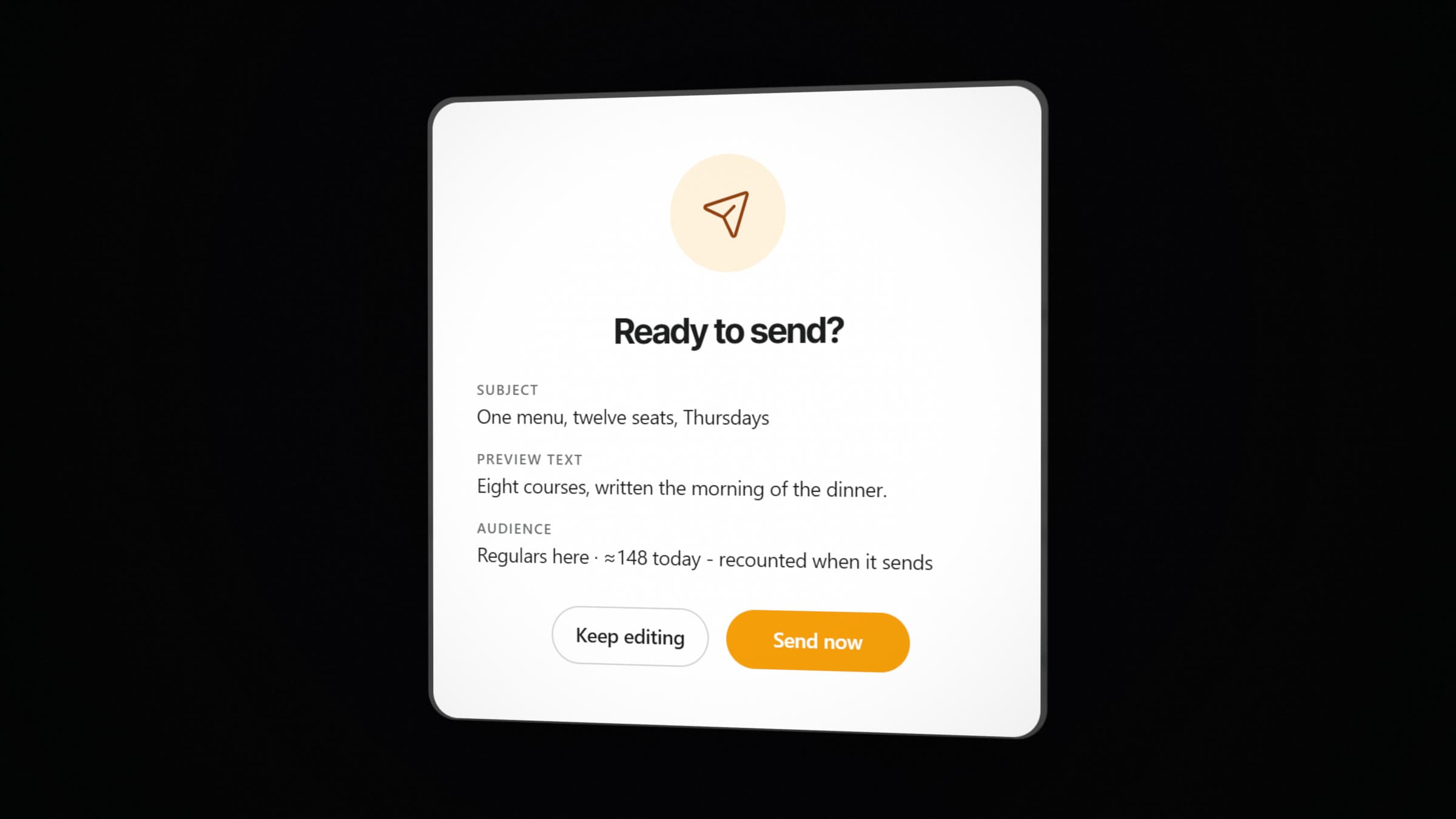
Checked before it goes
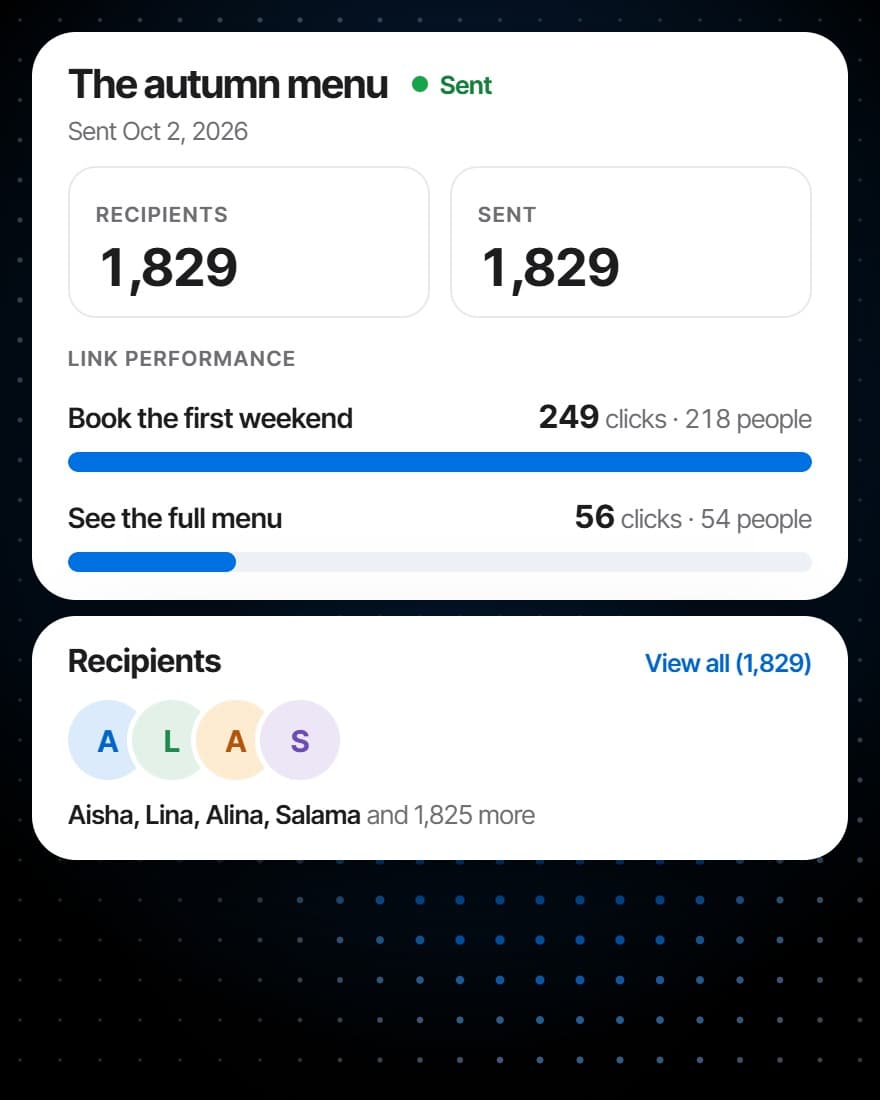
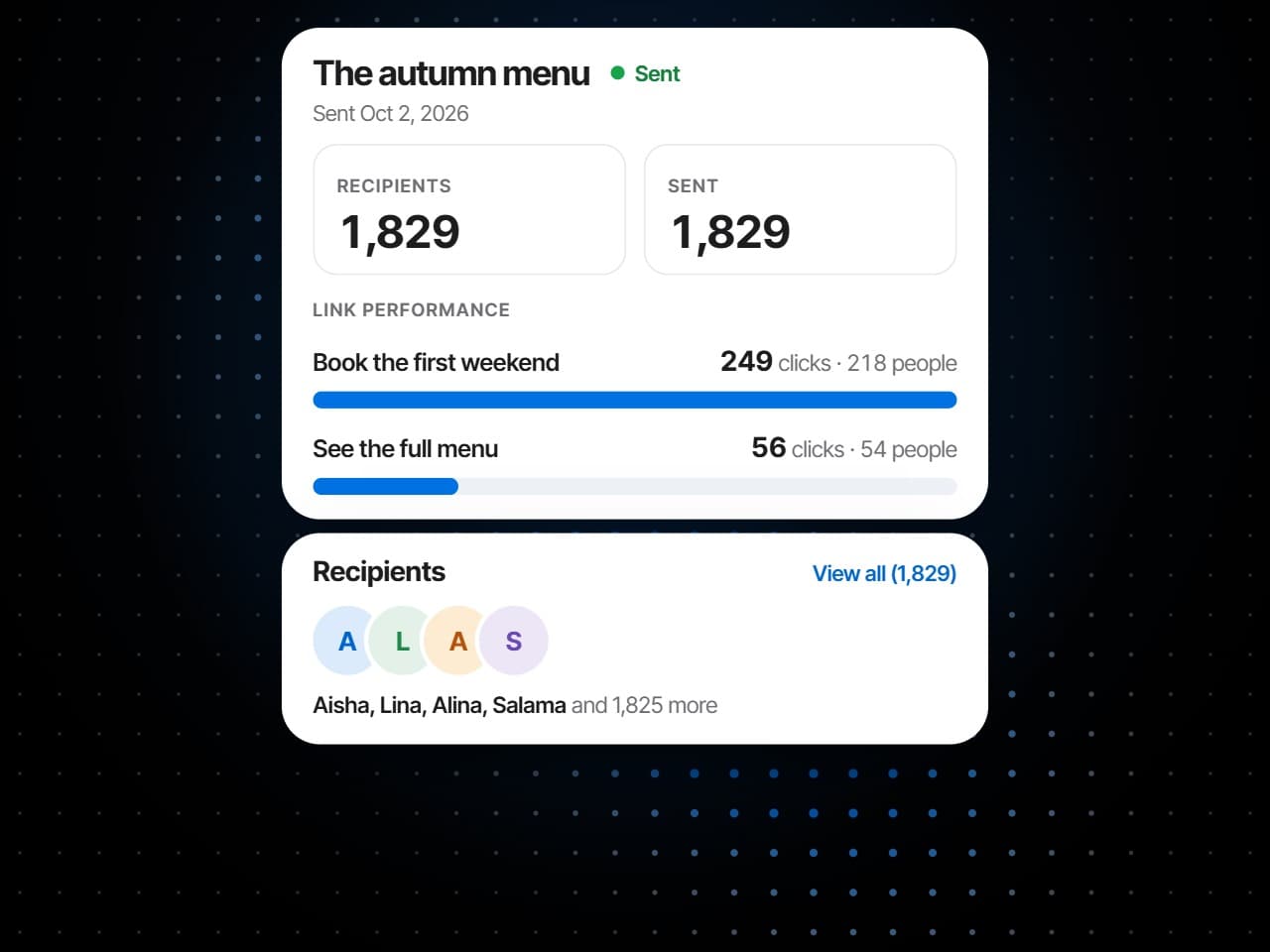
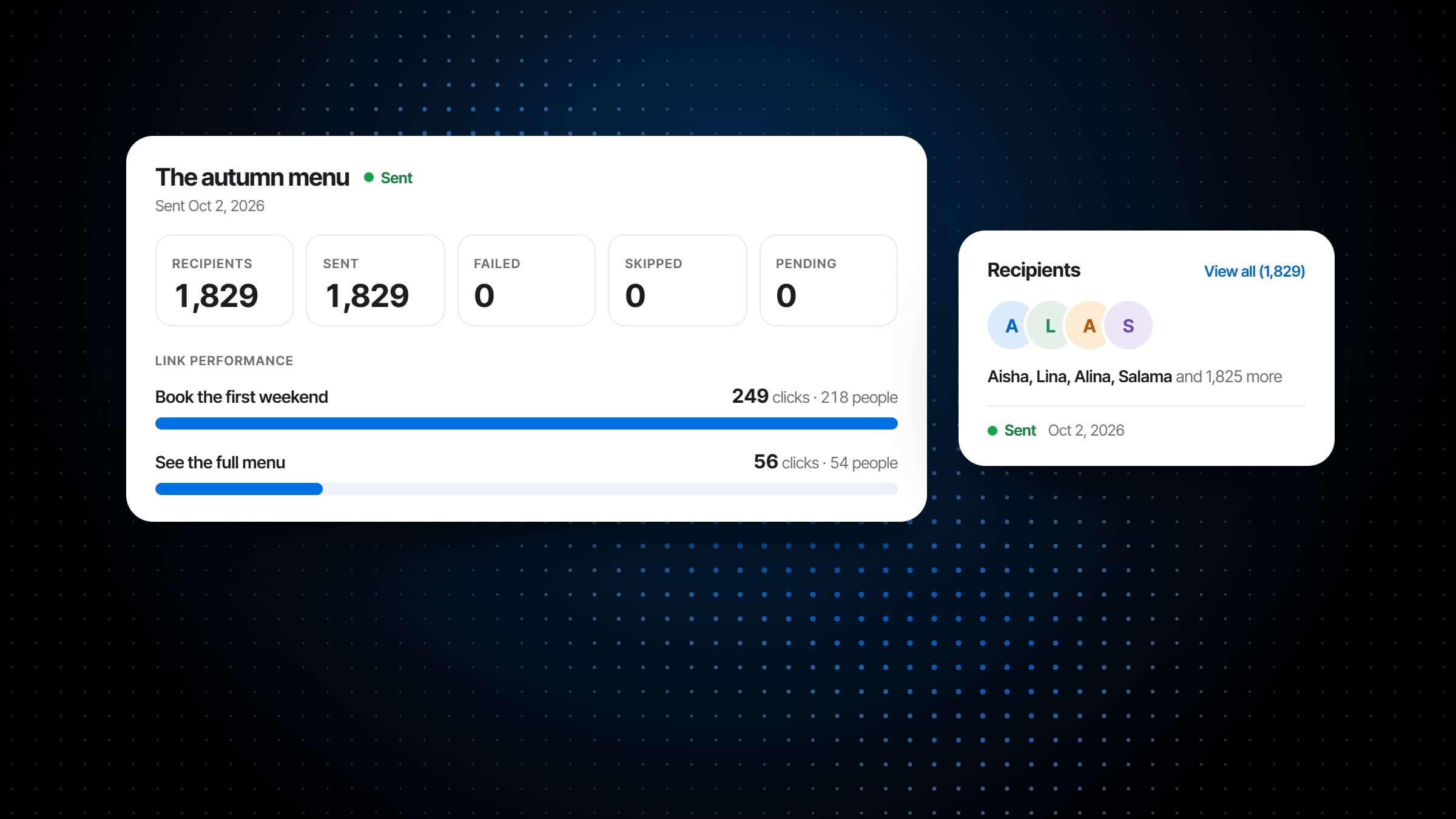
What it did
What it does
Email campaigns with the guest in them.
Email campaigns to the guests who opted in: audiences from what guests actually do, templates to start from, sends on your schedule, and a report on each one.
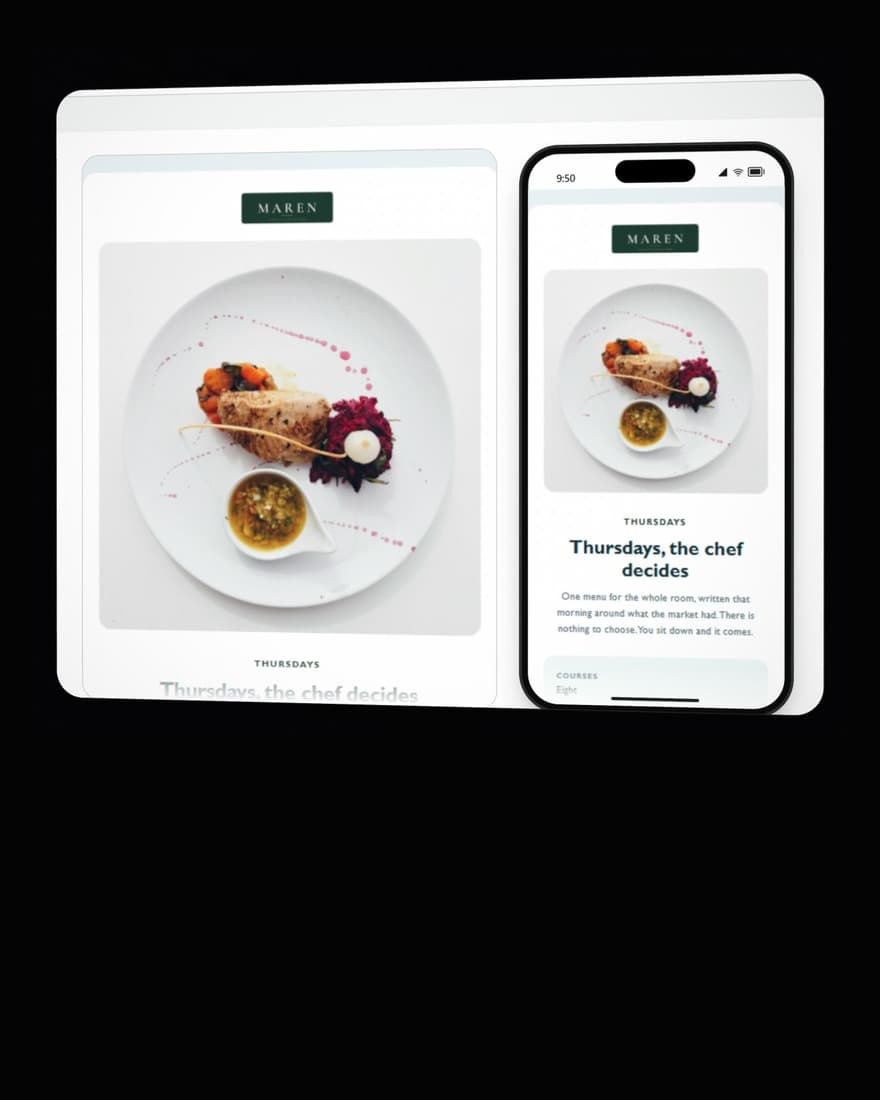
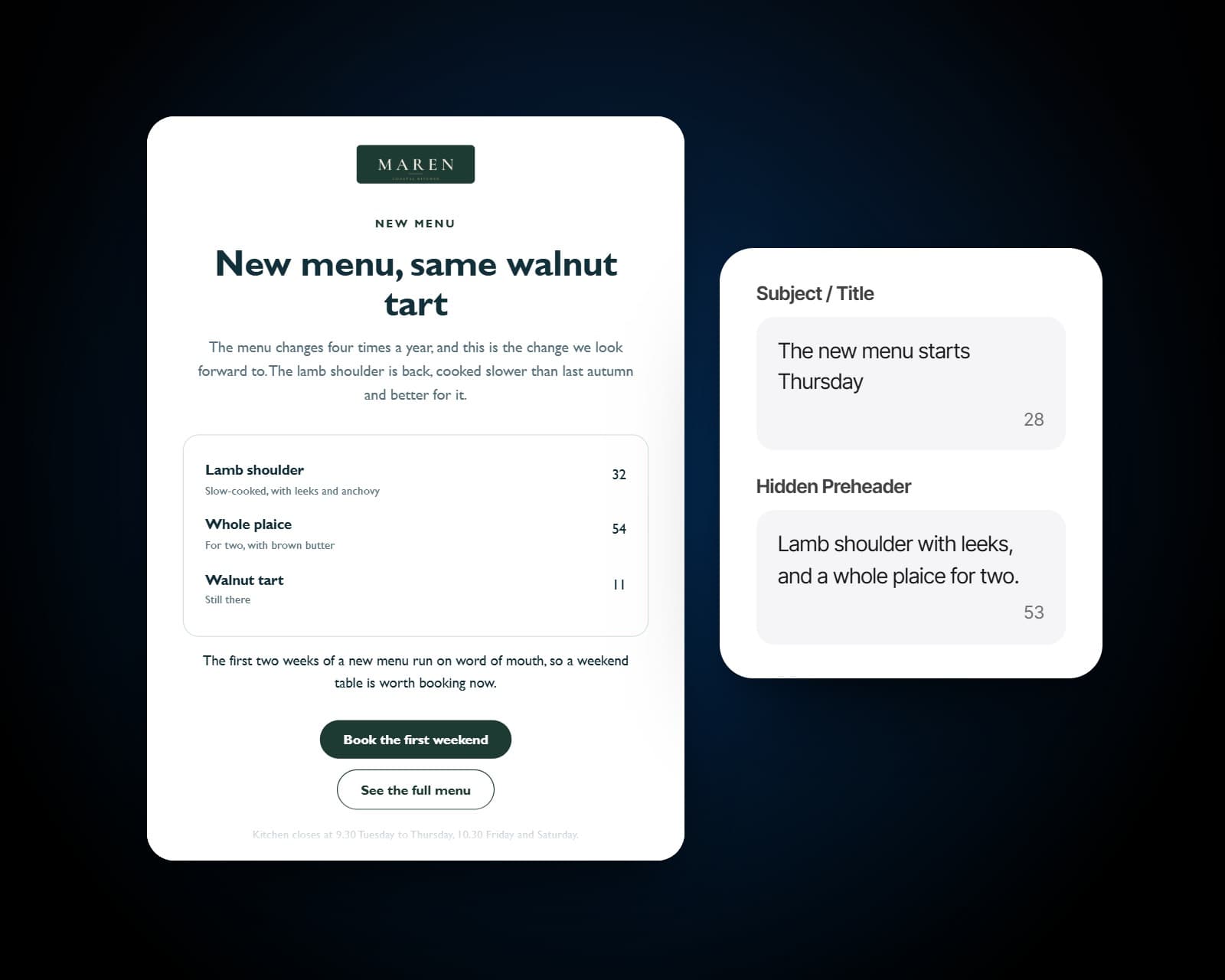
Compose the email from blocks, then dress it in a saved theme: its type, shapes and colour. The subject and the grey preview line an inbox shows sit beside it, a test goes to any address, and the email is checked on a desktop and on a phone before a guest receives it.
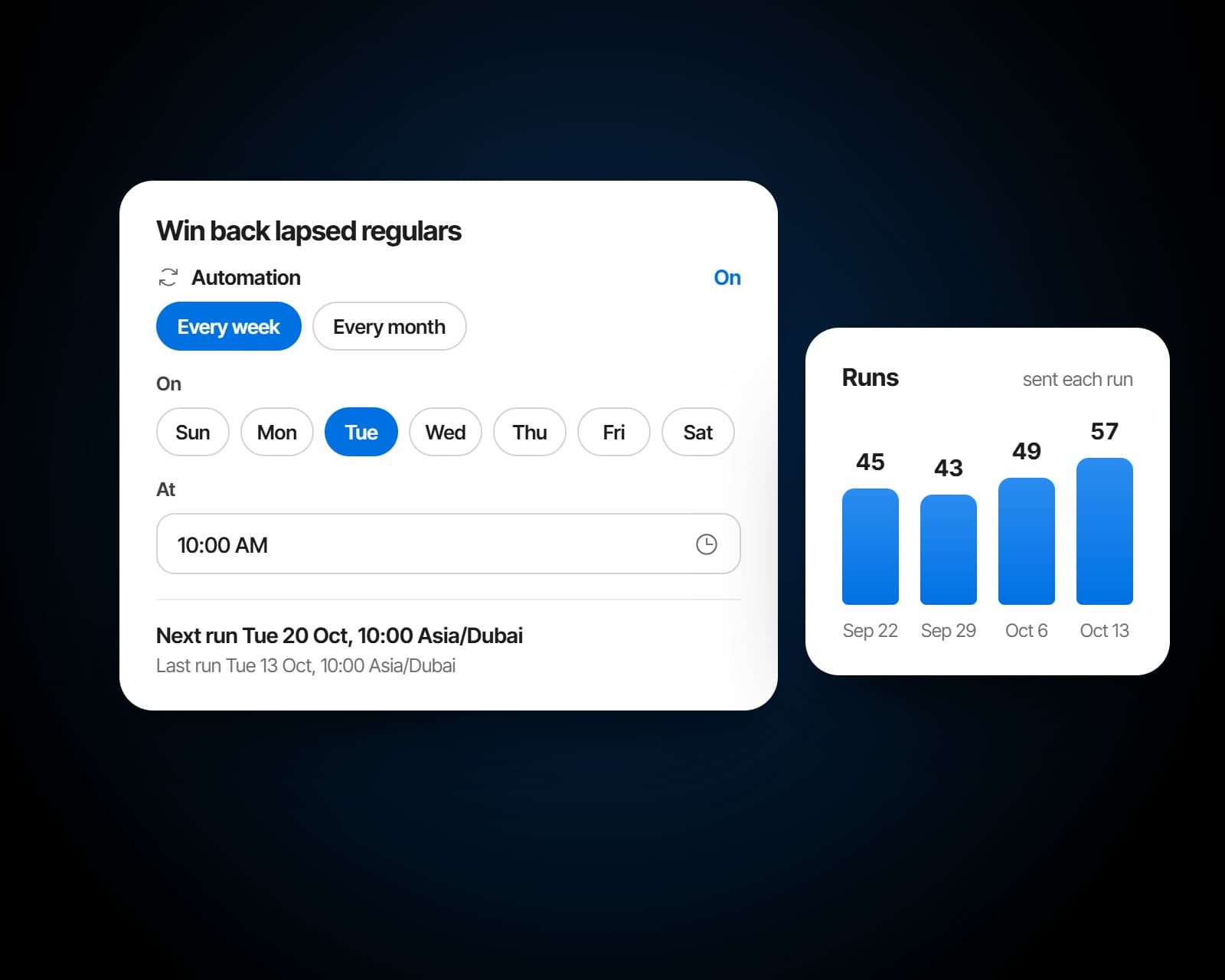
Send now, or schedule a send on the venue's clock up to 90 days ahead. Marketing automation sends a campaign every week or every month on its own, each run with its own report. It skips anyone who has had a campaign email from any of your venues in the last seven days, and no guest receives the same automation twice.
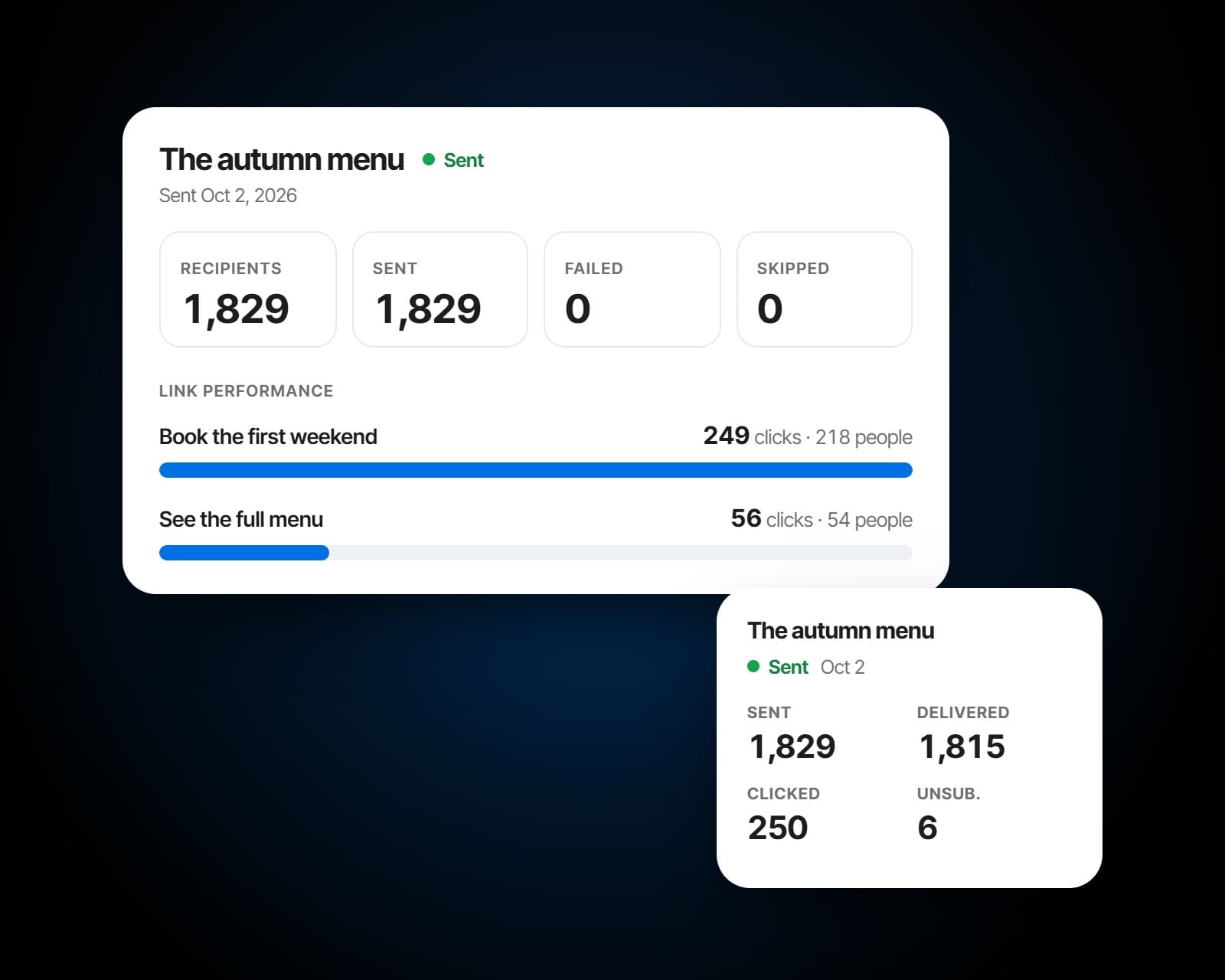
Every send has its report: who it went to, what was sent, failed or skipped and why, each button's clicks and the people behind them, and every recipient. With the Analytics module, the campaign report adds the delivery, click, bounce and unsubscribe rates, the list's growth and how each audience answered.
Before and after
The same email, to the right guests.
Campaigns written to the guest list the service keeps current, with nothing to export.
A newsletter tool fed by a guest list exported last spring.
Audiences by visits, spend and how long since they came, at the venue that is sending.
The same offer sent to a regular of six years and to a guest who came once.
Deliveries, clicks and unsubscribes on every send, and the clicks on each button.
No way to tell who clicked, or who stopped listening.
Consent first
Only the guests who said yes.
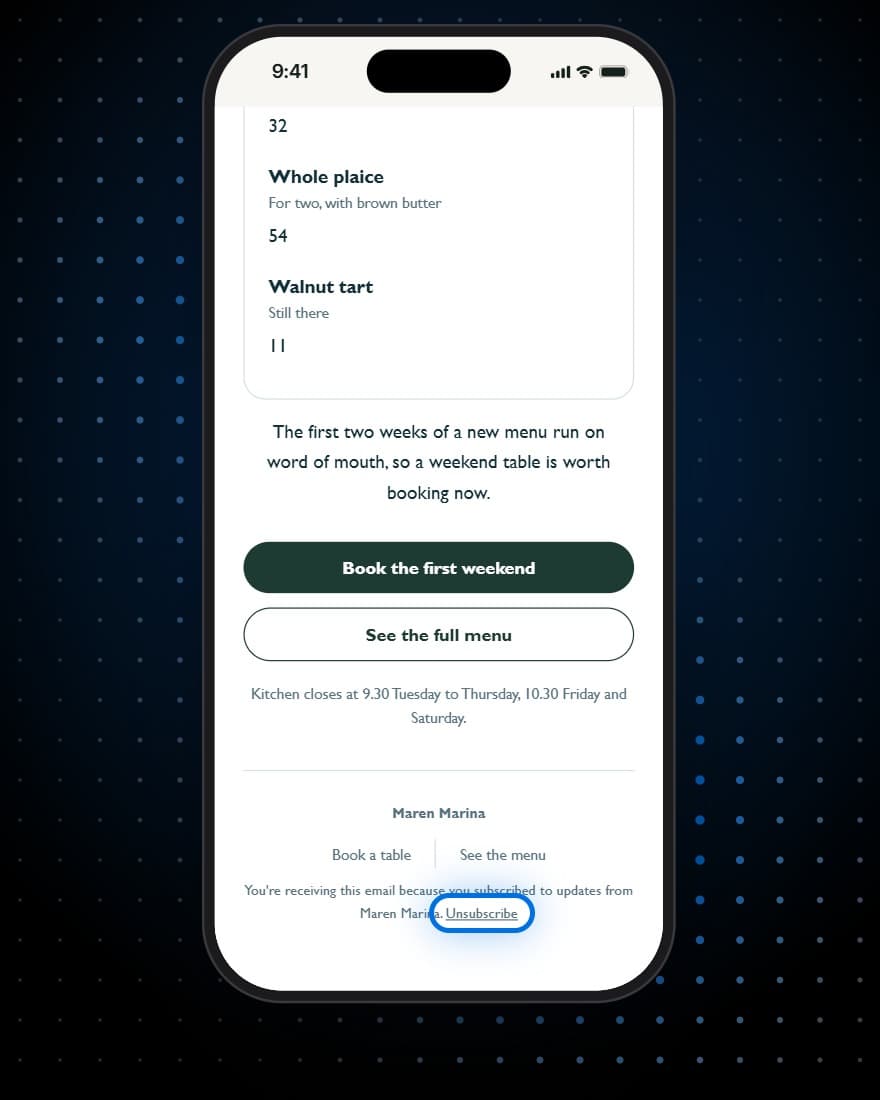
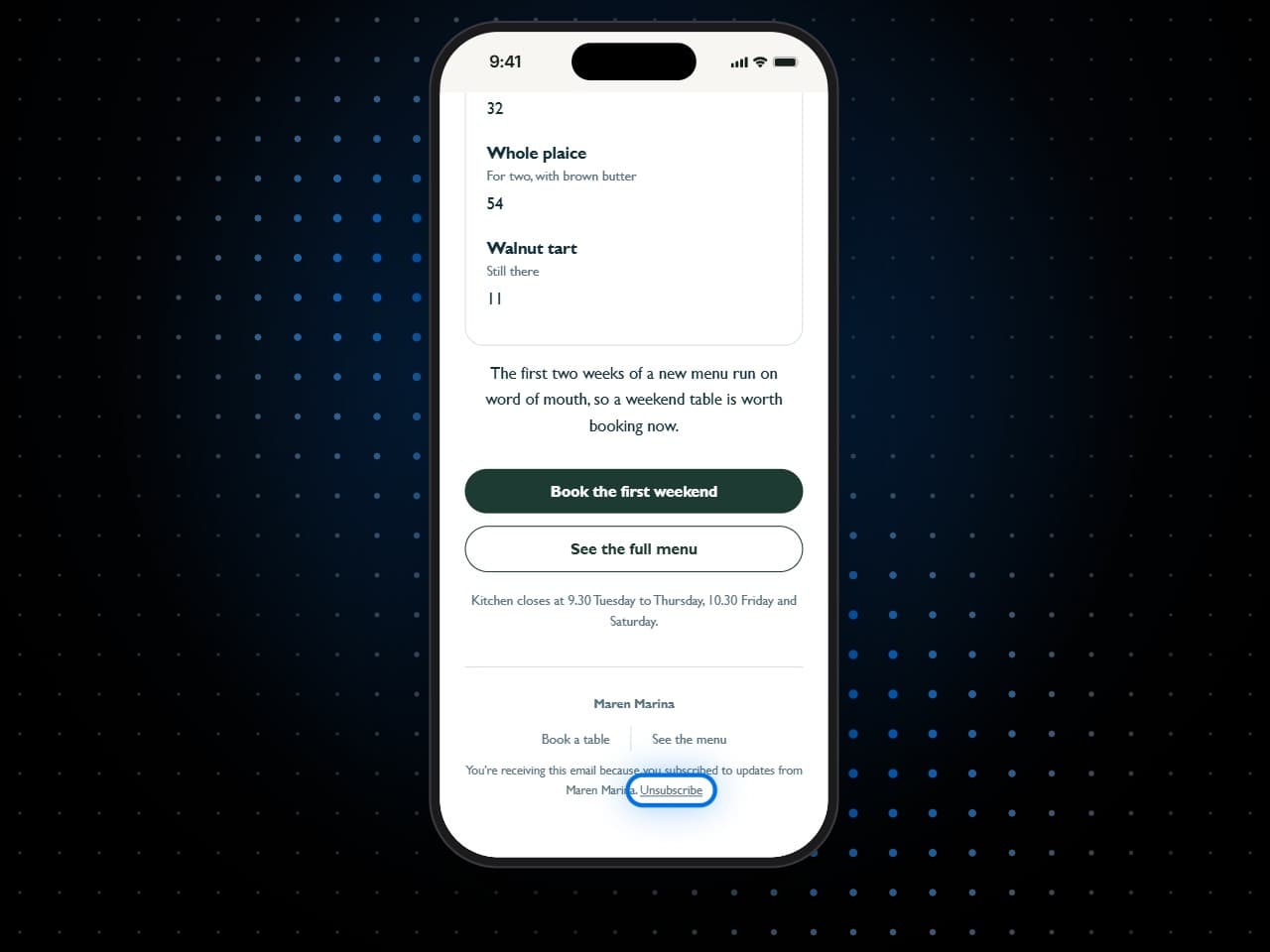
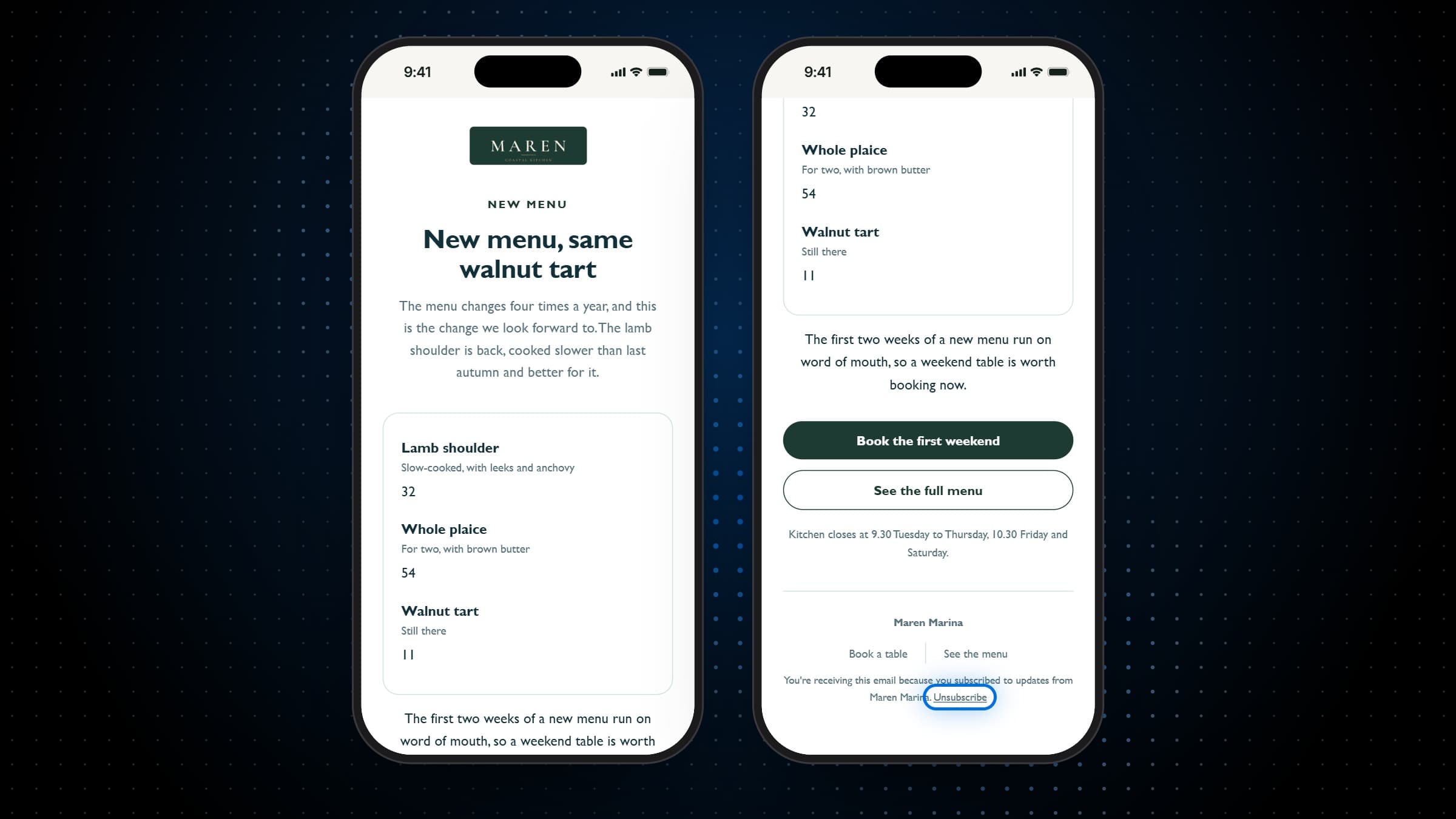
- Opt-in confirmed by the guest, by email
- An unsubscribe link in every email
- Automations skip anyone mailed in the last seven days
- Allergens used only to leave guests out
Also included
And everything around the send.
Senders
Choose who guests see the email from, with the senders managed for the whole group.
Test sends
Send a test to any address and read the email exactly as a guest will.
Stop a send
Stop a campaign that is sending, and the guests it has not reached are skipped.
Duplicate and archive
Copy a campaign that worked, and file away the ones you are done with, their records kept.
Version history
Every save of an email is kept with who made it, and an older version can be put back.
The venue's clock
Scheduled sends go out on the venue's own time, wherever you set them from.
Works with
Written to the guests you know.
Built on the Guest CRM
Audiences are the guest list itself, its tiers, visits, spend and last visits, kept current by every booking and check.
More on Guest CRMOpt-in as they book
Guests subscribe in the booking flow and confirm by email, so the list grows with every service.
More on Reservations & WaitlistCampaign analytics
The list's growth, click rates against send size and how each audience answered, across every campaign.
More on AnalyticsMenus
A QR code menu and ordering at every table, with the screens and the printed menu fed from the same dishes.
More on MenusOrder Fulfillment
Table ordering, a kitchen display and the point of sale: one order from the table to the station to the bill.
More on Order Fulfillment
Plans
Which plan has Campaigns?
Campaigns is an add-on that builds on the Guest CRM, because the audience it writes to is the guest list. It comes with the plan that has everything.
Starter
For a venue that books tables and wants its menu on every phone.
$149per venue a month
- No Campaigns
- Reservations & Waitlist
- Menus
Pro
Most venuesFor a venue that runs its whole service on servearound: ordering, kitchen and POS.
$249per venue a month
- No Campaigns
- Reservations & Waitlist
- Menus
- Order Fulfillment
Premium
Everything, with the guest data and the marketing built on top of it.
$349per venue a month
- Reservations & Waitlist
- Menus
- Order Fulfillment
- Guest CRM
- Analytics
- Campaigns
Specs
Everything in Campaigns.
Audiences
- Everyone who opted in
- Regulars, big spenders, new guests and lapsed regulars
- Anyone who has visited this venue
- Tier, visits, spend, last seen and not seen for
- Allergens and diets that leave guests out
- The count and a sample, before you send
Templates
- More than 150
- Menu, offers, events, seasons, guests, business and premium designs
- Each opens as a finished draft
The email
- Built from blocks
- A saved theme, or plain
- Subject line and preview text
- Senders for the group
- Desktop and phone previews
- Test sends to any address
Sending
- Now, or scheduled up to 90 days ahead
- On the venue's clock
- A checklist before every send
- Stopped part way, the rest skipped
Automations
- Every week or every month
- Each run a campaign with its own report
- Skips anyone mailed in the last seven days
- Nobody receives the same one twice
- Paused and turned on again
Reports
- Recipients, sent, failed and skipped
- Clicks, button by button
- Deliveries, clicks and unsubscribes per send
- Every recipient, and why anyone was skipped
- Rates and list growth, with Analytics
Frequently asked questions
What is restaurant email marketing?
Email a restaurant sends to its own guests: a new menu, a night worth booking, a birthday table. servearound's restaurant email marketing writes to the guest list the service already keeps, so an audience is chosen by visits, spend and how long since a guest came, rather than from a spreadsheet exported once a year.
How is marketing consent handled?
Guests opt in as they book and confirm it by email, and only confirmed subscribers are ever mailed. Every email carries an unsubscribe link, and an unsubscribe is recorded on the guest's own record at once.
Can we choose who receives a campaign?
Yes. Start from a named audience, everyone who opted in, regulars, big spenders, new guests, lapsed regulars or anyone who has visited, then narrow it by tier, visits, spend and when a guest was last seen. The count and a sample of who matches update as you change it.
Can we leave out guests with an allergy?
Yes, and that is the only way allergens are used: an audience can leave out guests who list an allergen or a diet. A guest with nothing recorded stays in, because an unknown allergen is not a known one.
Do we have to design emails from scratch?
No. More than 150 templates cover events, offers, the seasons, the menu, the guests and the business, and each opens in the editor as a finished draft. You can also start from a blank email and build it from blocks.
Can campaigns send themselves?
Yes. Marketing automation sends a campaign every week or every month on its own, each run with its own report, until you pause it. It skips anyone who has had a campaign email from any of your venues in the last seven days, and no guest receives the same automation twice.
Can we schedule a send for later?
Up to 90 days ahead, on the venue's own clock. A scheduled campaign can still be edited until it goes, or unscheduled to send now or at another time.
What does the report show?
Who the send went to and how many emails were sent, failed or skipped and why, the clicks on each of the email's buttons and the people who made them, and every recipient. The campaigns list shows each send's deliveries, clicks and unsubscribes, and the Analytics module adds the rates and the list's growth.
Can we stop a campaign once it has started?
Yes. Stopping a send skips the guests it has not reached yet, and the report says how many were sent before it stopped and how many were skipped.
How often should we email our guests?
As often as you have something worth saying. The check before each send says when you last emailed the same list, and an automation skips anyone who has had a campaign email from any of your venues in the last seven days.
Who do the emails come from?
From a sender you choose, with the senders managed for the whole group. Guests see the name you set, and a campaign without one goes from the default sender.
Does it work for a group of venues?
Each venue writes to its own confirmed subscribers, and an automation skips anyone who has had a campaign email from any venue in the group in the last seven days, so a guest of two venues is not mailed twice in a week.