Restaurant waitlist software the door can run on
Restaurant waitlist software for the half hour when the room is full and the door is not: who is waiting, how long they have been there, what you told them, and which party gets the next table that frees.
- No card needed
- No charge when it ends
Included in every plan with Reservations & Waitlist, from $149 per venue a month.
Waitlist
- 1Lucas RobinsonParty of 2for 8:30 PMWaiting 18 minEst. 20 minRemoveAssign table
- 2Evelyn MooreParty of 4for 8:45 PMWaiting 12 minEst. 25 minRemoveAssign table
- 3Elijah MooreParty of 2for 8:45 PMWaiting 7 minEst. 15 minRemoveAssign table
- 4Emily JacksonParty of 5for 9:00 PMWaiting 1 minEst. 30 minRemoveAssign table
How it works
- 1
The party joins the queue
They add themselves from your booking page when the time they wanted is full, or the host adds them at the door with their name, party size and an estimated wait.
- 2
The queue keeps itself honest
Each party shows its place in the queue, the wait you quoted and the minutes it has actually been waiting, which are rarely the same number.
- 3
A table frees and it is offered
When a table comes free it is offered to the first party on the list it fits, and the host gets an alert to confirm. Confirming sends the guest their confirmation by email.
Restaurant waitlist software that fills itself
Most waitlists are a clipboard at the door, which means the queue only exists where the host is standing. This one is fed from two directions: a guest who wanted eight o'clock and found it full can join the list from your own booking page, and the host adds the party who simply walked in.
Every request made on the booking page also reaches the inbox you choose for online bookings, written in your venue's own email design, so nobody has to watch a screen to know somebody is waiting.

What you told them, and what is actually happening
The host enters the wait when the party joins, and the card carries both numbers from then on: the estimate you gave and the minutes they have been standing there. A queue where those two have come apart is the thing worth seeing at the door, and it is the reason a quoted wait stops being a guess by the end of the week.
Each party keeps its position in the queue, so the order is the order, and nobody is promoted because they asked twice.

The next table goes to the next party it fits
When a table frees, ServeAround offers it to the first party on the list it fits, by size and time, rather than waiting for somebody to notice, and the host gets an alert that a waiting guest is ready to confirm. Confirming turns the entry into a booking and sends the guest their confirmation email.
Nothing texts them. We would rather say that plainly than imply a message that does not exist: the confirmation is an email, and the conversation at the door is still a conversation.
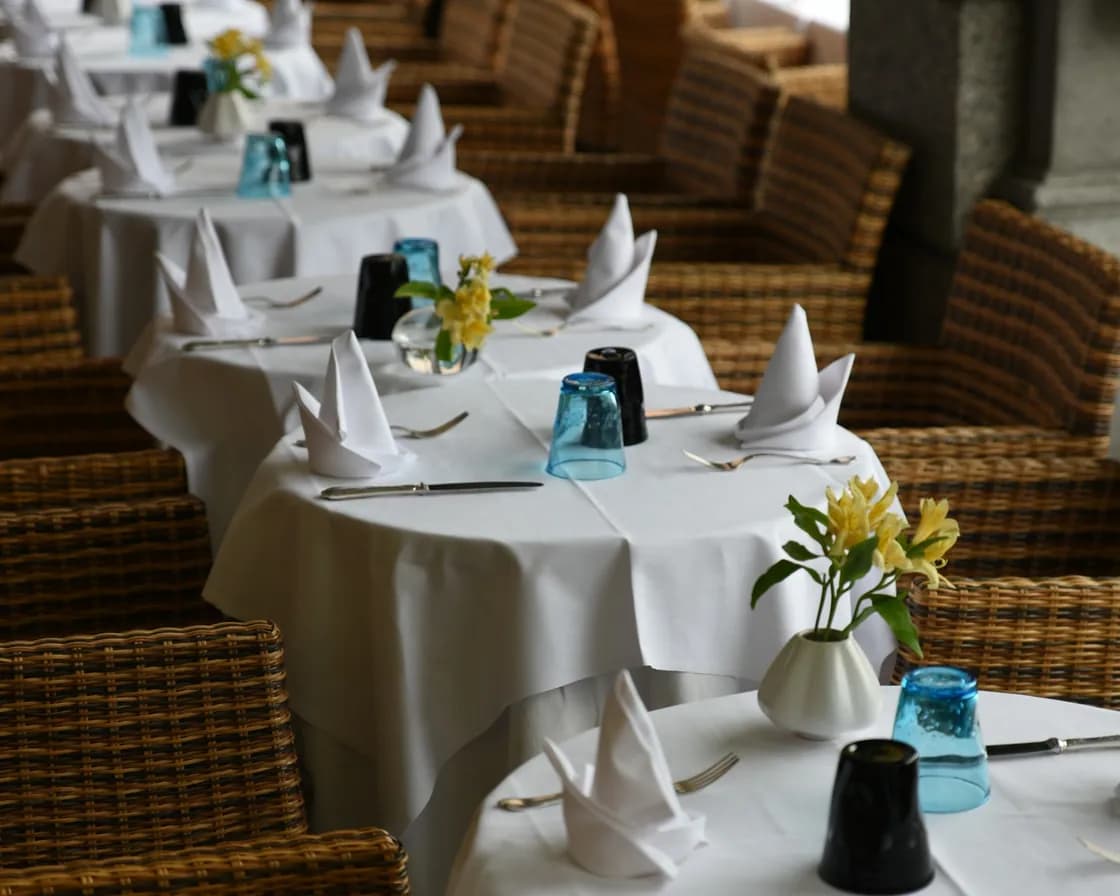
Walk-ins, arrivals and the ones who do not come
A walk-in is made as a walk-in, with the table it is seated at, or left to be seated from the queue or the tables page when one frees. A booked guest is checked in by their reservation code, which is faster than scrolling a Friday, and marking them arrived tells the floor team.
A party cannot be seated without a table: the system asks you to assign one first, so a seated party always has somewhere to be. Completing, cancelling or marking a no-show gives the table back, and a no-show cannot be marked before the booking was due, which stops a busy host writing off a guest who is merely late.

The queue and the book are the same thing
A booking that arrives too early can be put back into the waitlist queue, and a waiting party becomes a booking when it is confirmed. There is no separate waitlist app to reconcile at the end of the night, because the queue, the diary and the floor are one system.

Which plan has Reservations & Waitlist?
Reservations & Waitlist is in every plan, with the floor plan and table management built in.
Starter
Reservations, the waitlist, the floor plan and QR menus.
$149per venue a month
- Reservations & Waitlist
- Menus
- Order Fulfillment
- Guest CRM
- Analytics
- Campaigns
Pro
RecommendedEverything in Starter, with ordering, the POS, the kitchen display and inventory.
$249per venue a month
- Reservations & Waitlist
- Menus
- Order Fulfillment
- Guest CRM
- Analytics
- Campaigns
Premium
Everything in Pro, with the guest CRM and feedback, analytics and email campaigns.
$349per venue a month
- Reservations & Waitlist
- Menus
- Order Fulfillment
- Guest CRM
- Analytics
- Campaigns
- AI uses a month
- 100
- No card needed
- No charge when it ends
Works with
What frees the table
A table completed, cancelled or marked a no-show is available again, which is what lets it be offered to the parties waiting.
The book the queue feeds
Bookings on your own page, the diary behind them, and the rules that decide when a time is full and a guest is offered the list instead.
The guest who waited
A party that waited is still a guest record: their visits, the allergens the floor needs, and the note that says they waited half an hour last time.
Common questions
What is restaurant waitlist software?
A queue the whole floor can read instead of a clipboard at the door: who is waiting, how big the party is, what wait they were quoted and how long they have actually been there. ServeAround's restaurant waitlist software is part of the same system as the diary and the floor, so a waiting party becomes a booking at a table without being written down twice.
Can guests add themselves?
Yes. When the time a guest wanted is full, they can join the waitlist from your own booking page, and the request reaches the inbox you use for online bookings in your venue's own email design.
Do you text the guest when their table is ready?
No. ServeAround does not send text messages. When a table frees, it is offered to the first party on the list it fits and the host gets an alert to confirm; confirming sends the guest a confirmation email. The tap on the shoulder at the door is still yours.
Who sets the wait a guest is quoted?
You do, when the party joins the queue. The card then shows that estimate beside the minutes they have really been waiting, which is how a quote gets better by the end of the week.
How are walk-ins handled?
A walk-in is created as one, seated at a table there and then, or left in the queue to be seated when a table frees, from the queue or from the tables page. It is the same queue as the bookings, not a second list.
Can we seat a party before assigning a table?
No, and deliberately: seating is refused until a table is assigned, so every seated party is somewhere on the floor plan rather than somewhere in somebody's memory.
Which plan includes the waitlist?
It comes with Reservations & Waitlist, alongside the diary, the tables and the floor plans. Screens, devices and staff logins are included, with no fee per cover, per screen or per user.