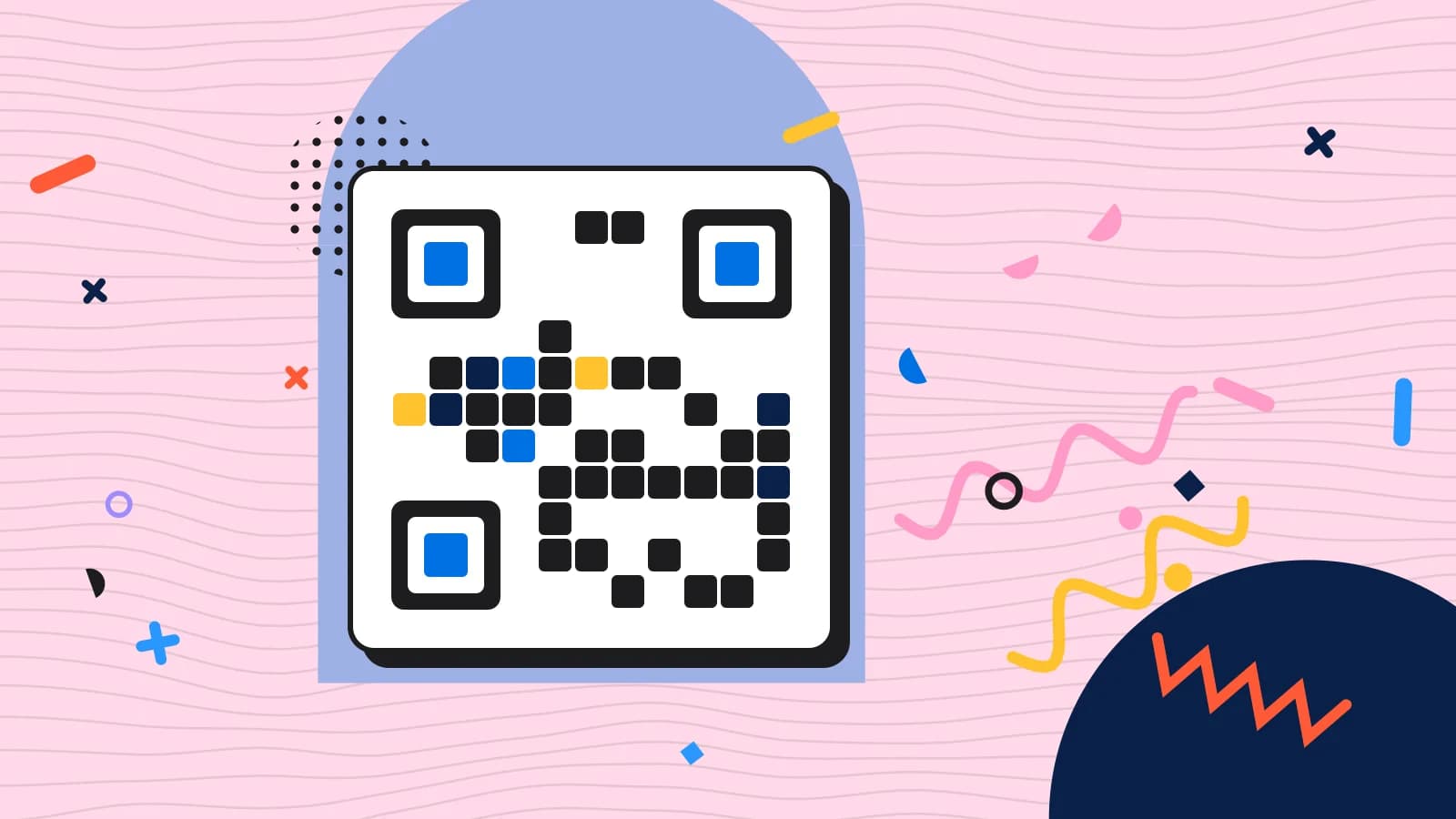
A QR code menu for restaurants that takes the order too
A QR code menu for restaurants where the menu and the ordering are the same thing: the guest scans the code on their table, reads the menu you designed, and sends their order to the station that cooks it.
- No card needed
- No charge when it ends
Included in every plan with Menus, from $149 per venue a month.

Liberty Diner

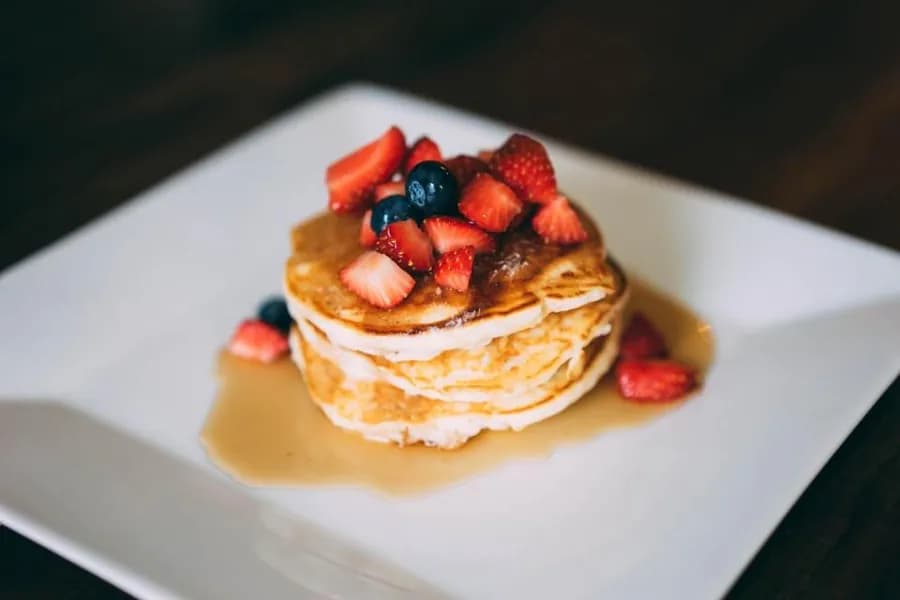
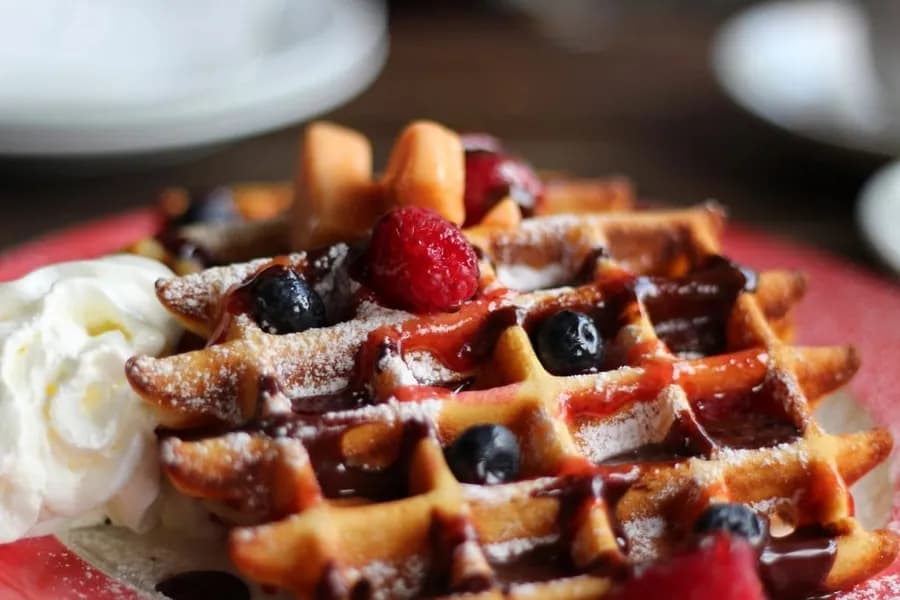
Breakfast
6 dishes
Buttermilk pancakes
$13.50
Three-high, whipped butter and real maple syrup.
Allergens
Cereals containing glutenEggsMilk
Dietary
Vegetarian
How it works
- 1
The guest scans the table's code
The code belongs to the table, so the menu opens knowing which table it is and which venue it belongs to. Nothing to download and no account to make.
- 2
They read the menu you designed
Your sections, your photographs, your colours, and the live dishes: a price changed in the office is the price on the phone.
- 3
The order goes where it is cooked
If you let guests send orders, it becomes a ticket at the right station. If you would rather staff fired it, it waits for them on the board or the till.
Two ways to run a QR code menu for restaurants
Ordering can be off, so the code is a menu a guest reads and nothing more. Or it can be on, so the guest sends their own order.
With ordering on, you still choose when the kitchen starts: an order can go straight to the station that cooks it, or wait to be fired by a server from the board or the till. That is the difference between a quiet Tuesday and a full Friday, and it is a setting rather than a rebuild.
A dish that answers the questions guests ask
Where you have filled them in, a dish on the digital menu carries its photographs and video, its ingredients, its allergen and diet tags, and its calories.
Guests can filter the menu to show only what suits them, or to avoid an allergen altogether, and an order cannot be sent until the allergen check has been ticked. That is a better conversation than a server guessing, and it is the same information the kitchen's ticket carries.
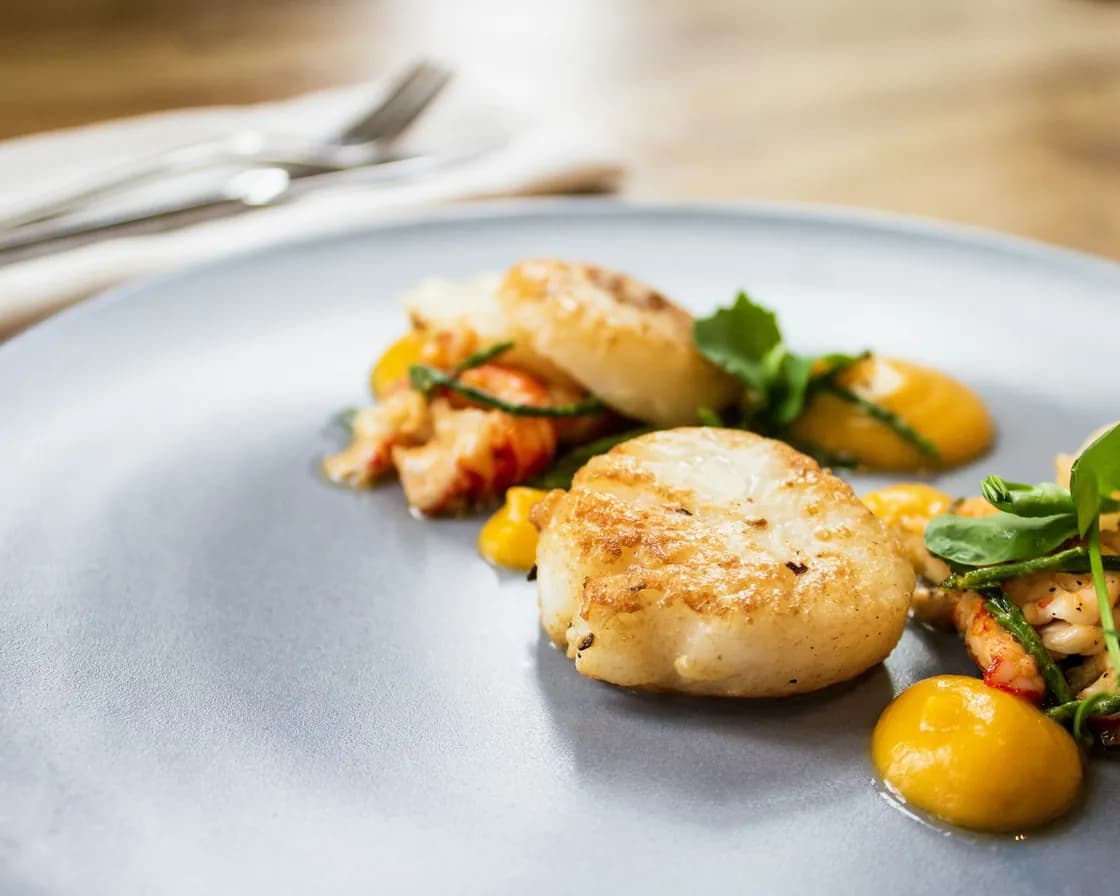
Sold out means sold out
A dish marked off at the till or in the menu says sold out on the guest's phone and cannot be added to an order, on every menu it appears on. No guest orders the sea bream at five past nine, and no server has to be the one to tell them.
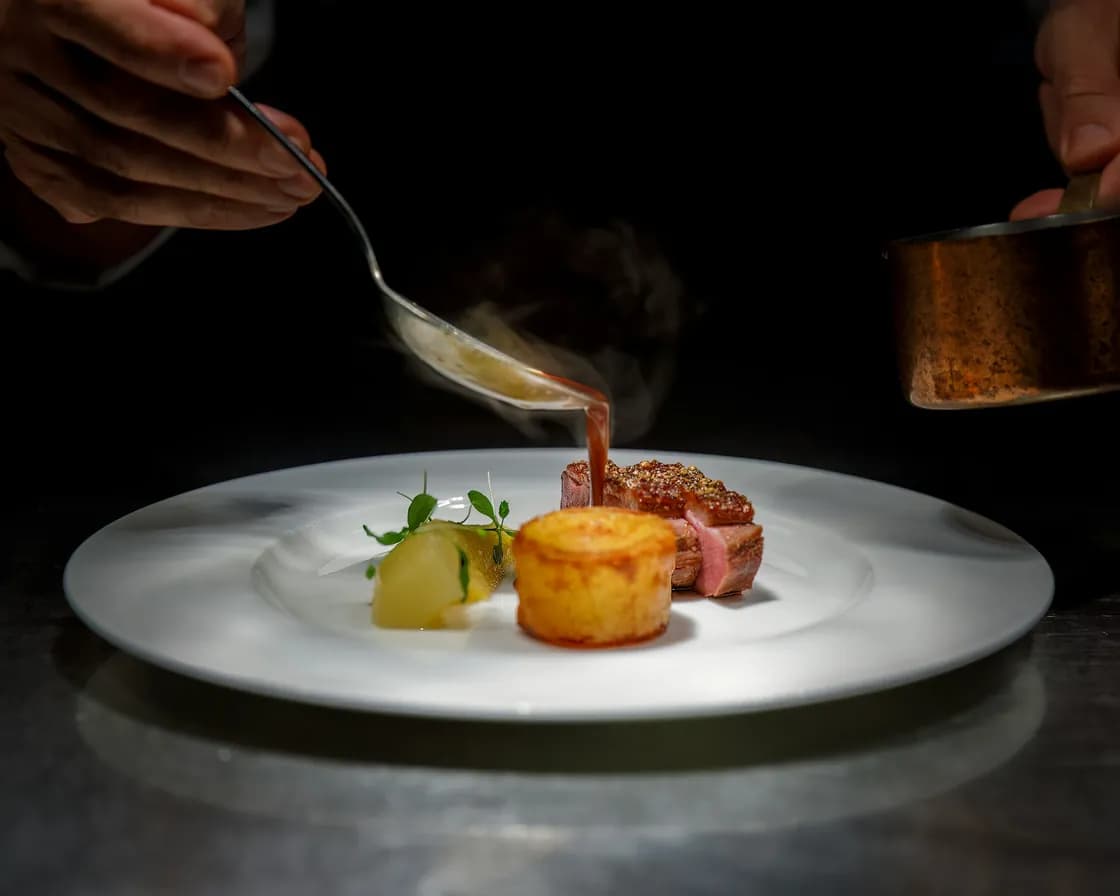
Bundles and set menus, built by the guest
A menu with bundles on it gets its own tab for them, and a set menu is a bundle the guest builds course by course, choosing a dish at each one. The tasting menu stops being a photograph of a page.
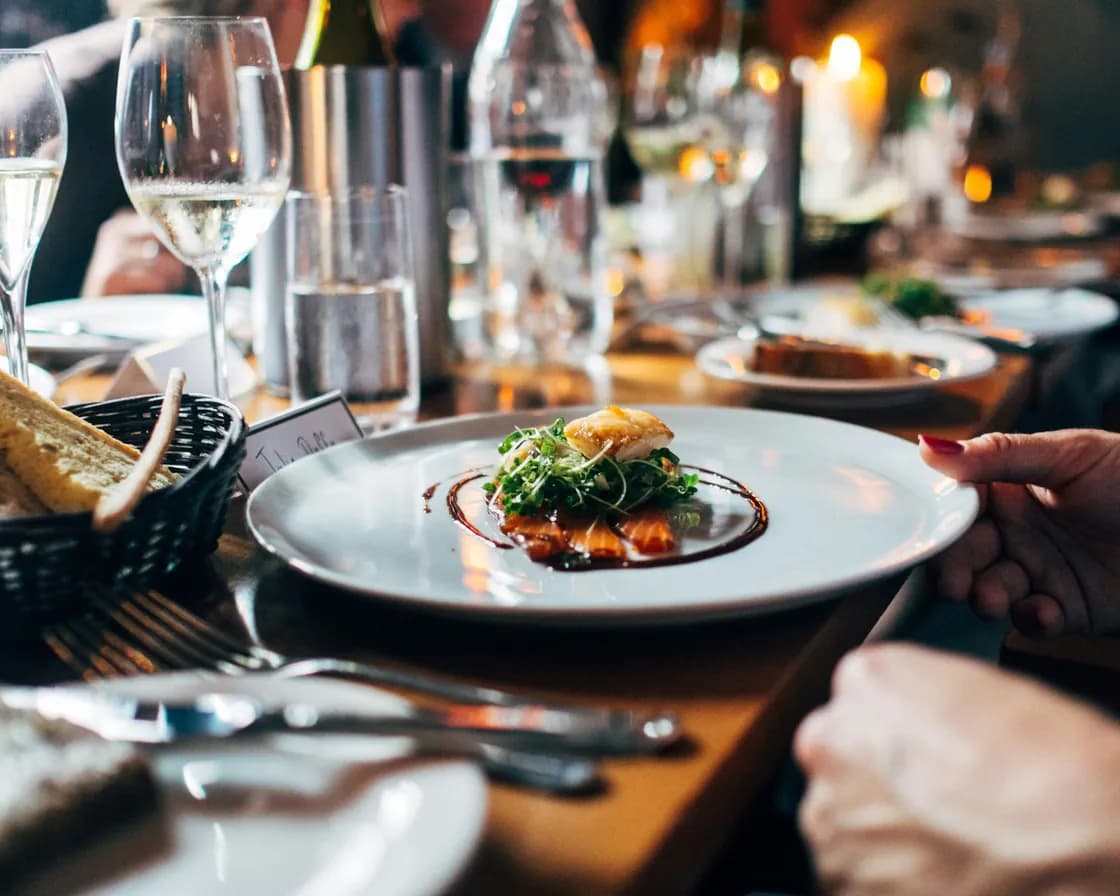
The order, followed to the table
Once an order is placed the guest can see where it is: received, in preparation, ready or served, one state at a time. They are not asking a passing server whether it went in, and they can keep reading the menu while they wait.
A code opened away from a table, from a link rather than the sticker, shows the menu and asks the guest to scan the code on their table before ordering. A link to a group without a venue asks them which venue they mean; a table's own code never does, because it knows.
Which plan has Menus?
Menus is in every plan. Taking orders through the menu needs Order Fulfillment, which comes with the plans that run the whole service, and the menu report needs Analytics.
Starter
Reservations, the waitlist, the floor plan and QR menus.
$149per venue a month
- Reservations & Waitlist
- Menus
- Order Fulfillment
- Guest CRM
- Analytics
- Campaigns
Pro
RecommendedEverything in Starter, with ordering, the POS, the kitchen display and inventory.
$249per venue a month
- Reservations & Waitlist
- Menus
- Order Fulfillment
- Guest CRM
- Analytics
- Campaigns
Premium
Everything in Pro, with the guest CRM and feedback, analytics and email campaigns.
$349per venue a month
- Reservations & Waitlist
- Menus
- Order Fulfillment
- Guest CRM
- Analytics
- Campaigns
- AI uses a month
- 100
- No card needed
- No charge when it ends
Works with
One set of dishes behind it
The menu on the phone is the menu you keep: sections, dishes, prices, photographs, modifiers and bundles, entered once and used on every surface.
Where the order lands
An order sent from the table arrives as a ticket at the station that cooks it, with the table and the guest's allergens on it.
The same menu, on the wall
The screens in the room read the menu the code reads, so a price changed once is right on the phone and over the counter.
The code on the table
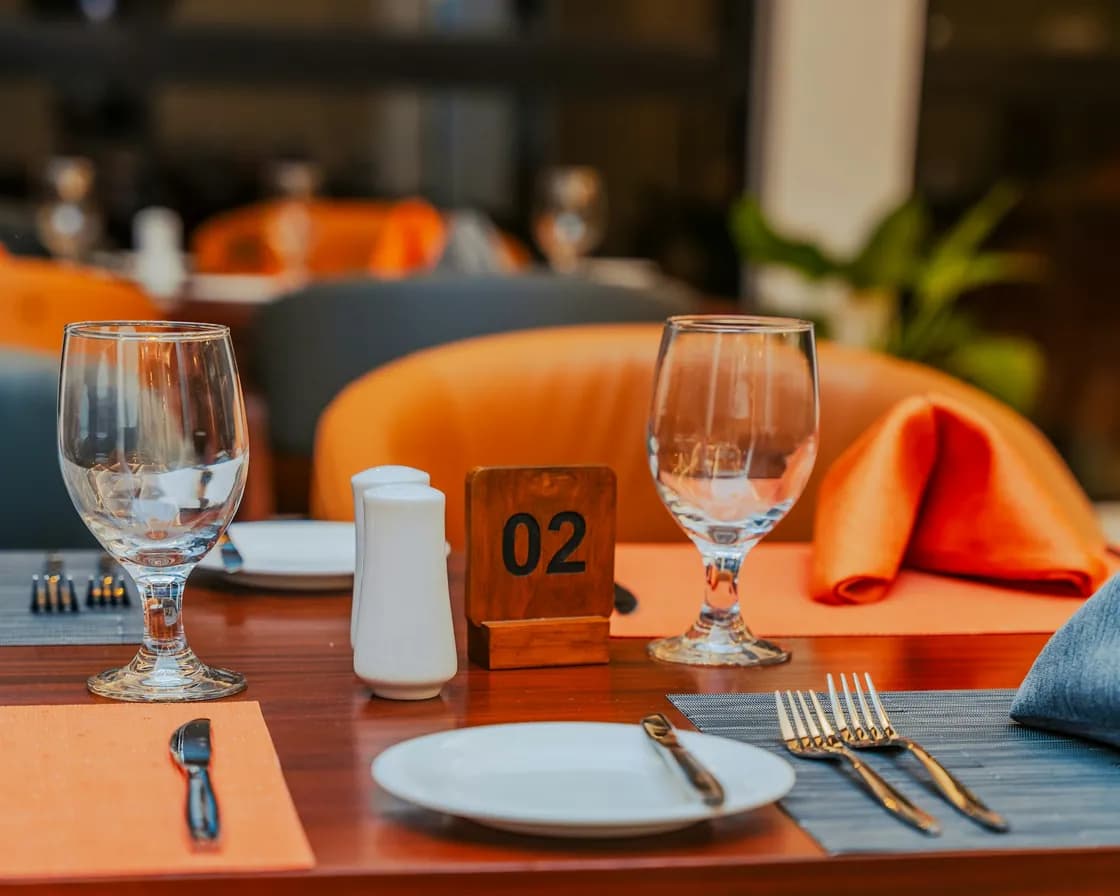
Each table owns its QR code, made and printed from the tables page. Regenerate it and the old print retires itself, telling a guest to ask staff for the new one.
Common questions
What is a QR code menu for restaurants?
A menu a guest opens by scanning the code on their table, in the phone's own browser, with nothing to download. ServeAround's QR code menu for restaurants is the menu you already keep, so a price changed once is the price the next guest sees, and it can take the order as well as show it.
Do guests have to install anything?
No. The QR menu opens in the phone's browser from the table's code, with no app and no account.
Can guests order, or is it only a menu?
Either, venue by venue. With ordering off it is a menu they read. With ordering on they scan to order, sending it themselves, and you choose whether it goes straight to the station or waits for a server to fire it from the board or the till.
How do allergies work on it?
Each dish carries the allergen and diet tags you set, guests can filter to show only what suits them or avoid an allergen entirely, and an order cannot be sent until the allergen check is ticked. The same allergens travel to the kitchen's ticket.
What happens to a dish that sells out?
It says sold out on the guest's phone the moment it is marked off at the till or in the menu, and cannot be added to an order, on every menu it is on.
Can a QR code be reused or replaced?
The code belongs to the table and does not time out. If you regenerate it, the old printed code retires itself and tells the guest to ask staff for a fresh one, which is what you want when a sticker has been photographed and passed around.
Which plan includes the QR code menu?
The menu itself comes with Menus. Letting guests send orders from it needs Order Fulfillment, which is the module that holds the orders, the kitchen display and the till.