Restaurant table management software the whole floor reads
Restaurant table management software that the whole floor reads from one screen: what every table is doing, who is sitting at it, how long they have been there, and which one is free next.
- No card needed
- No charge when it ends
Included in every plan with Reservations & Waitlist, from $149 per venue a month.
Tables
How it works
- 1
The room is drawn once
Tables are placed on a floor plan and grouped into its zones, so the tables page a host reads is the shape of the actual room rather than a list.
- 2
The floor keeps it true
A table is seated, held, blocked or marked for cleaning as the night happens, so the board the next person opens says what the room is doing.
- 3
The next party goes somewhere
A booking is assigned and seated, or a walk-in is seated without one, and the table carries the party, the server and the time from then on.
Every table says what it is doing, in one word
Available, reserved, occupied, needs cleaning, blocked or merged: six table statuses, one word per table, and the same word for everybody, so the host at the door and the manager in the office are not describing the room differently.
An occupied table shows the party and how long they have been seated; a reserved one shows who is coming, how many and at what time; a blocked one shows the reason and until when. Each status has its own colour on the plan, with the legend beside it.
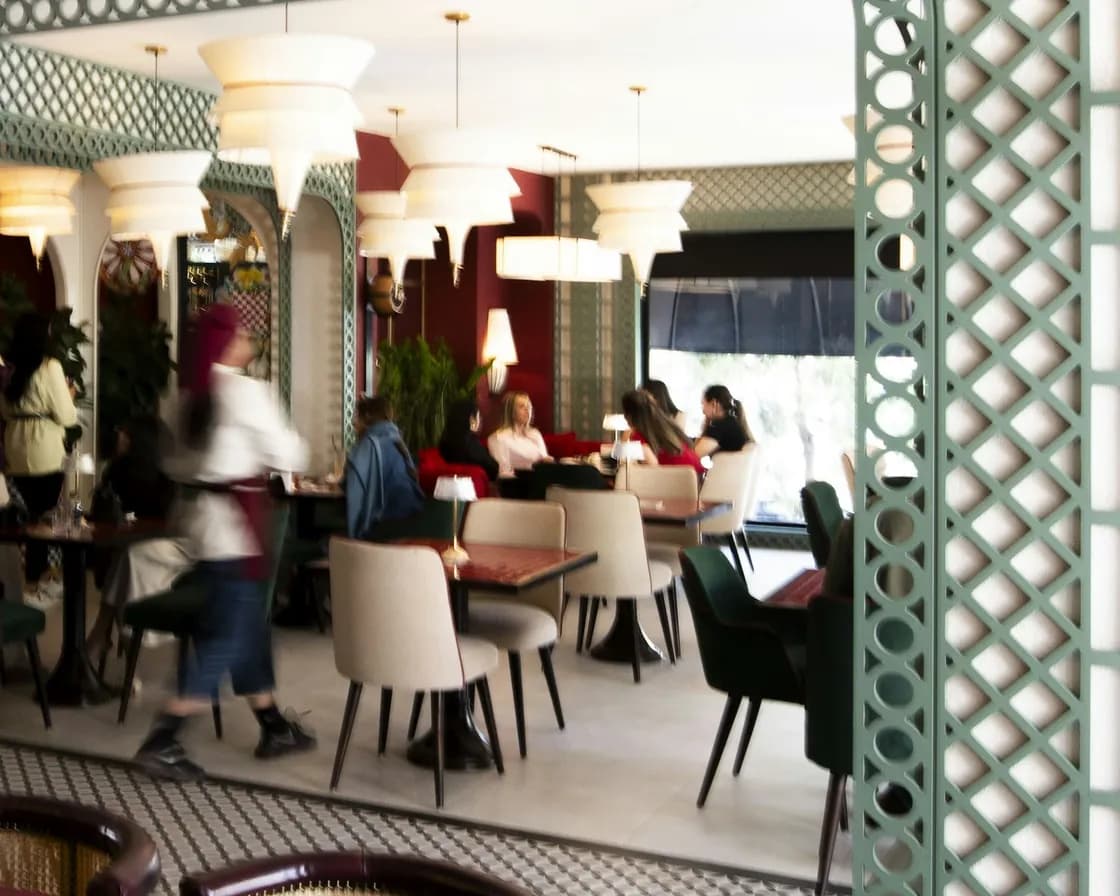
Restaurant table management software on the floor plan itself
The board is the room, not a spreadsheet of it. Tables sit where they sit, inside the zones you drew them in, and a table that is not on the plan yet is listed on its own rather than quietly missing.
That is the difference between knowing table nine is free and knowing the window four is free, which is the thing a host actually needs at the door.
Assign and seat, or seat without a booking
Open a table, see who has arrived, and seat them: the booking moves onto the table and the party is seated in one action. A walk-in is added at the door as a walk-in, seated at its table as it is saved, or left to be seated from the waitlist or the tables page when one frees, so nobody waits on a booking that does not exist.
A server is assigned to the table from the board, which is what makes the rest of the night readable by section.

Join, hold, block, release
Two tables become one for a party of eight and split again afterwards, with the board showing which table was merged into which. A table can be held for a party on the way, blocked with a reason and until a time, marked for cleaning when they leave, and marked ready when it is turned.
None of that is a note in a diary: it is the state of the table, so the next person to look at the board reads it without asking anybody.
What else the table carries
A VIP table can be kept for manual assignment only, so the rules never give it away. The allergens on a seated guest's profile show on their table. Each table has a QR code of its own for the menu, generated one at a time or for the whole room, and printed together.
Which plan has Reservations & Waitlist?
Reservations & Waitlist is in every plan, with the floor plan and table management built in.
Starter
Reservations, the waitlist, the floor plan and QR menus.
$149per venue a month
- Reservations & Waitlist
- Menus
- Order Fulfillment
- Guest CRM
- Analytics
- Campaigns
Pro
RecommendedEverything in Starter, with ordering, the POS, the kitchen display and inventory.
$249per venue a month
- Reservations & Waitlist
- Menus
- Order Fulfillment
- Guest CRM
- Analytics
- Campaigns
Premium
Everything in Pro, with the guest CRM and feedback, analytics and email campaigns.
$349per venue a month
- Reservations & Waitlist
- Menus
- Order Fulfillment
- Guest CRM
- Analytics
- Campaigns
- AI uses a month
- 100
- No card needed
- No charge when it ends
Works with
The book behind the board
Bookings arrive on your own page, land in the diary and come to the board as arrivals to seat. The waitlist at the door offers the table the moment it frees.
The table the order came from
An order sent from a table reaches the station that cooks it with the table on the ticket, so the pass knows where the food is going.
Who is at the table
The party on a table is a guest record: their visits and spend, the notes kept on them, and the allergens the floor needs to know.
The room the board is drawn on
Zones, the shape of the room and every table where it really stands, in 2D and in 3D, which is the plan the board colours in.
Common questions
What is restaurant table management software?
The screen the floor runs on: every table with its status, the party sitting at it and how long they have been there, drawn on the room's own plan. ServeAround's restaurant table management software is the same system as the diary, the menu and the till, so seating a party does not mean telling three systems about it.
Can the whole team see the same board?
Yes. The board is the same for everyone who opens it: one status per table, in the same words and colours, on the room's own plan, with each table's party, server and time.
Can we join two tables for a big party?
Yes. Tables combine for a party and split again afterwards, and the board shows which was merged into which while they are joined.
How do we seat a walk-in?
As a walk-in, from Reservations or the host stand at the door: seat them at a table as you save, or from the waitlist or the tables page when one frees. The table then carries the party, the server and the time.
Can we keep a table back?
Yes, three ways: hold it for a party on the way, block it with a reason and until a time, or mark it VIP so it is only ever assigned by hand.
Does it show allergies?
Yes. The allergens on a seated guest's profile appear on their table, and each dish carries its own allergens on the menu and on the kitchen's ticket.
Which plan includes table management?
It comes with Reservations & Waitlist, alongside the diary, the waitlist and the floor plans. Screens, devices and staff logins are included, with no fee per screen or per user.