Restaurant menu design software for every surface
Restaurant menu design software that draws from the menu itself: the page a guest scans, the boards over the counter, the sheet you print, the page they book on and the emails they receive, all designed in one place and all reading the same dishes.
- No card needed
- No charge when it ends
Included in every plan with Menus, from $149 per venue a month.
All day
Burgers
Liberty burger16.50
Bacon cheeseburger18.00
Avocado burger18.00
Onion burger17.00
Breakfast
Buttermilk pancakes13.50
Berry stack15.00
Pie and cake
Apple pie à la mode9.00
New York cheesecake9.50
Liberty Diner
All day
Breakfast
Buttermilk pancakes13.50
Berry stack15.00
Maple walnut stack15.00
Burgers
Liberty burger16.50
Bacon cheeseburger18.00
Avocado burger18.00
Sandwiches
Club sandwich16.00
Reuben18.00
BLT13.00
Liberty Diner
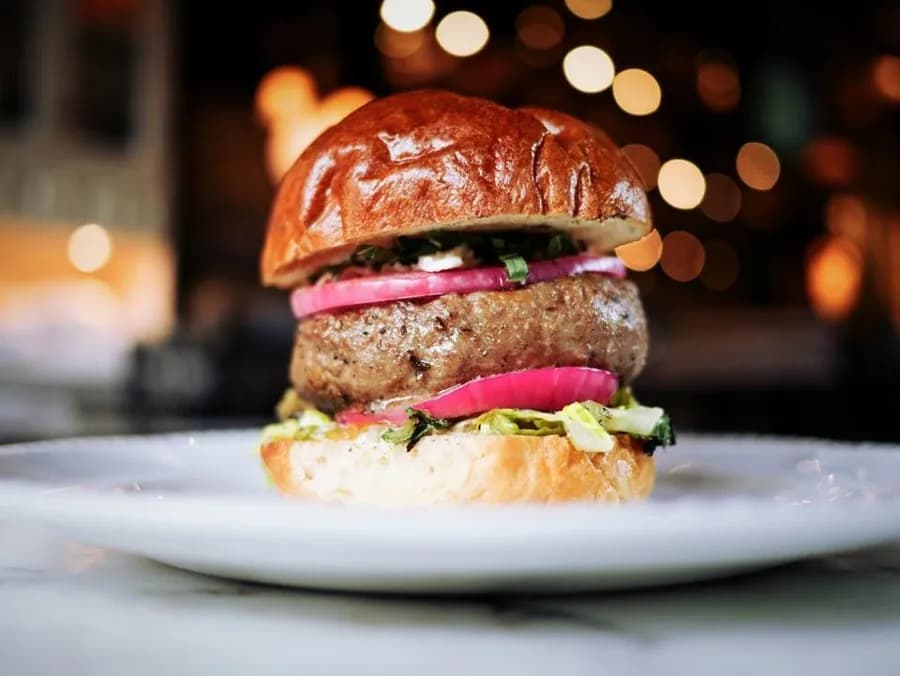
Liberty burger$16.50
Two smashed patties, American cheese, pickles, onions and Liberty sauce.
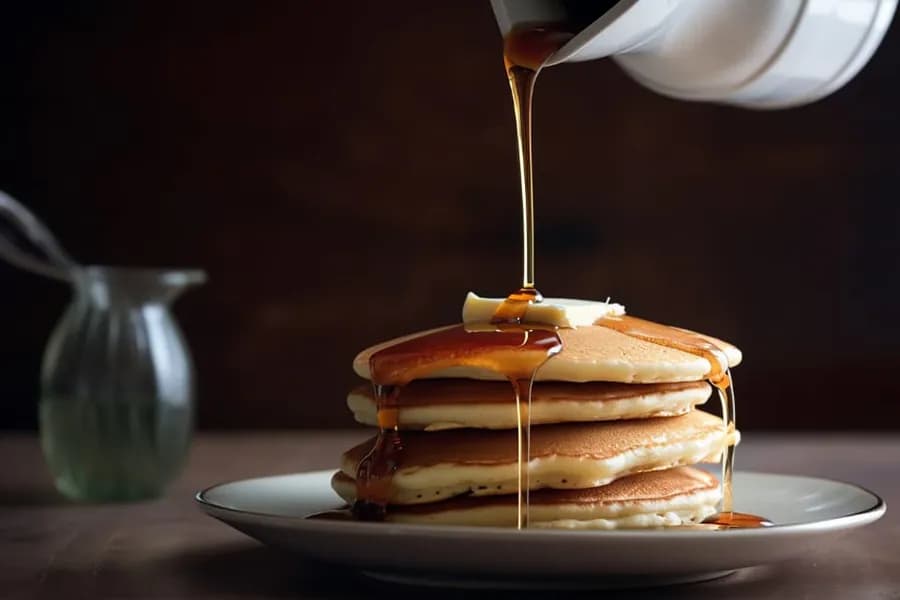
Buttermilk pancakes$13.50
Three-high, whipped butter and real maple syrup.
Vegetarian
All day
Burgers
Liberty burger16.50
Bacon cheeseburger18.00
Avocado burger18.00
Onion burger17.00
Breakfast
Buttermilk pancakes13.50
Berry stack15.00
Pie and cake
Apple pie à la mode9.00
New York cheesecake9.50
Liberty Diner
All day
Breakfast
Buttermilk pancakes13.50
Berry stack15.00
Maple walnut stack15.00
Burgers
Liberty burger16.50
Bacon cheeseburger18.00
Avocado burger18.00
Sandwiches
Club sandwich16.00
Reuben18.00
BLT13.00
Liberty Diner
Liberty burger$16.50
Two smashed patties, American cheese, pickles, onions and Liberty sauce.
Buttermilk pancakes$13.50
Three-high, whipped butter and real maple syrup.
Vegetarian
How it works
- 1
Pick a surface
The Digital Menu guests scan to, the Digital Boards on the screens, the Print Menus for paper, the Reservation Page they book on, or the Emails they receive.
- 2
Start from a layout or from what is live
Boards and print designs start from a gallery of layouts drawn with your own dishes, or from blank. The menu and booking pages start as a copy of the page guests see now.
- 3
Publish it when it is ready
A board is published to the screens; a page version is set live when you want it. Until then the one guests see carries on unchanged.
Five surfaces, one place
The page a guest opens from the table's code, the boards on the screens in the room, the menu you print, the page a table is booked on, and the emails a guest receives: each is designed here rather than in five different tools by three different people.
That is the whole argument for it. A venue that designs its menu in a document, its boards in a slide deck and its emails in a mailing tool has three looks and no way to change them at once.
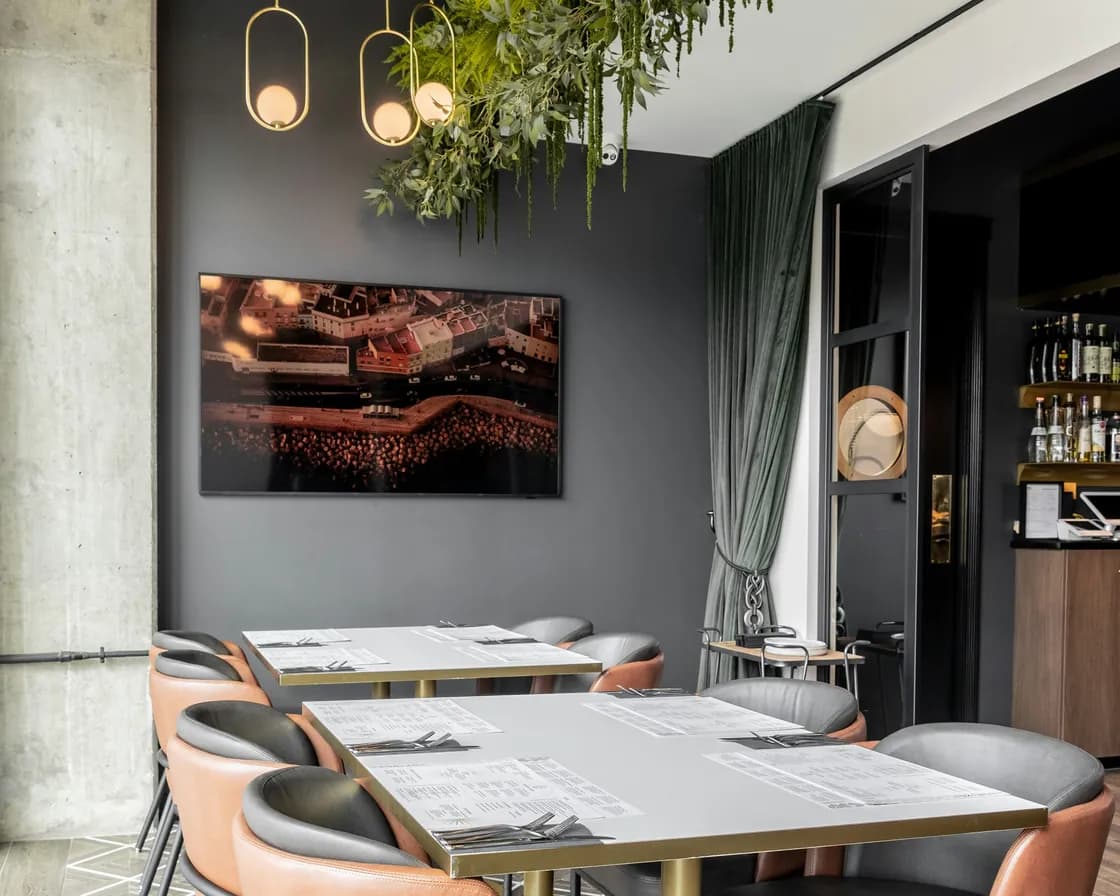
Restaurant menu design software that points at the menu
A design's blocks point at a menu or one of its sections rather than at a copy of it, so the dishes, prices and photographs are the live ones. Change a price in the menu and every design showing it is right.
If a menu or a section is removed, the design says which block lost its source and lists it among the design's issues, instead of rendering an empty page and leaving you to notice.
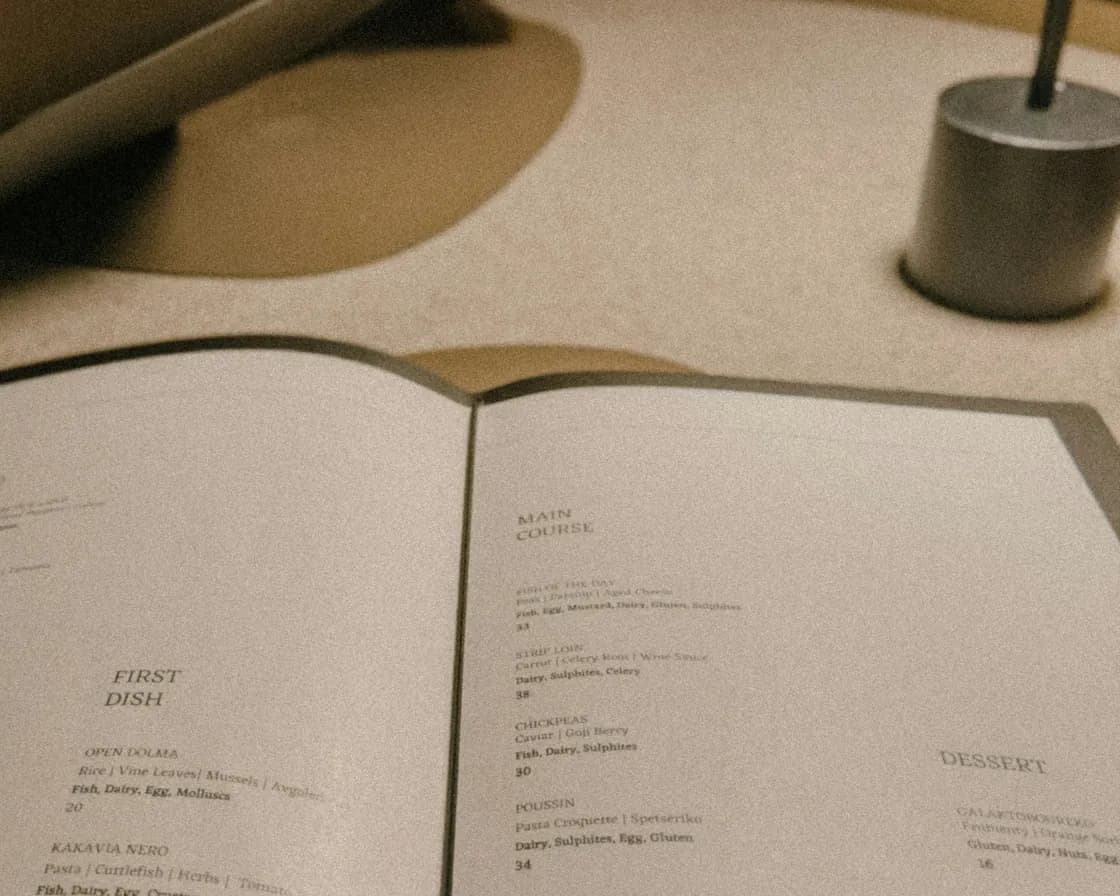
Three ways to start, and a version you can sit on
Boards and printed menus start from a gallery of layouts, each one drawn with your own dishes so you are choosing a design rather than imagining one, or from blank if you know exactly what you want.
The Digital Menu and the Reservation Page work the other way round: a new version begins as a copy of the page guests see now, so you can build Christmas or the summer terrace while the current one carries on, and set it live the day it matters.
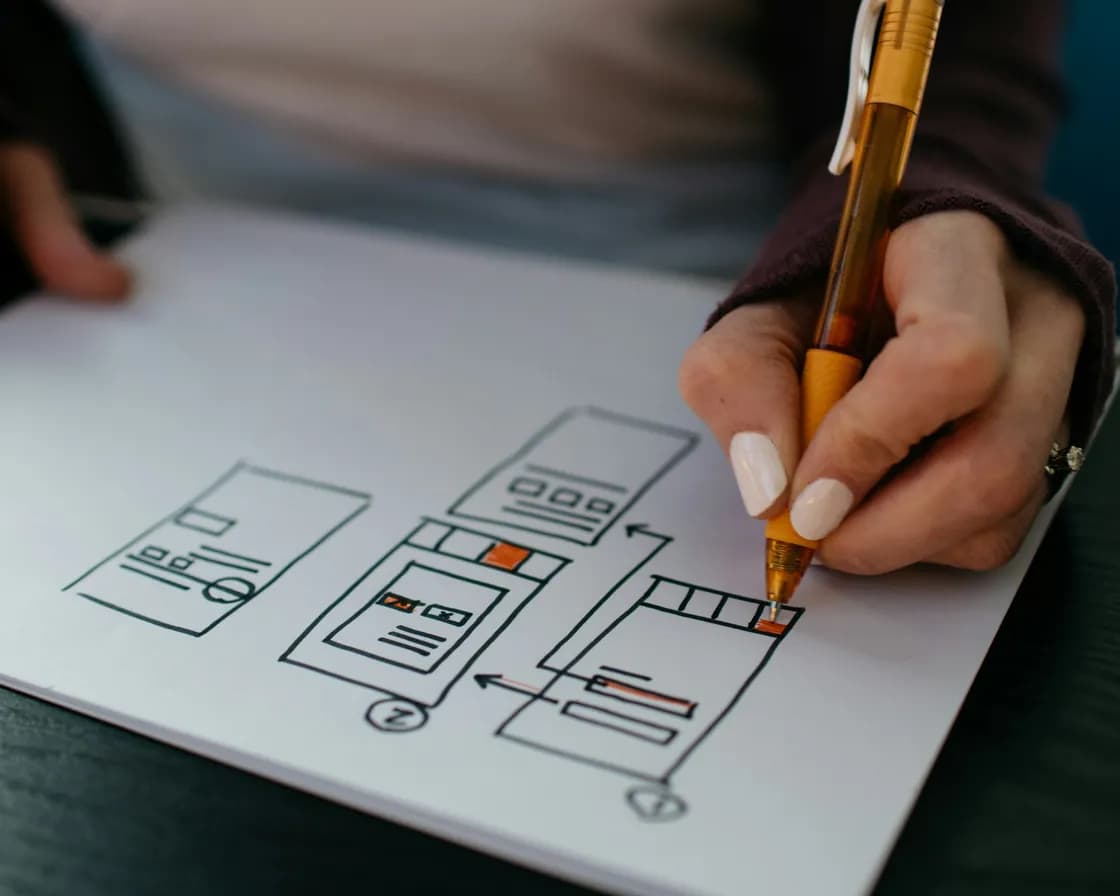
Print that admits when it no longer fits
Lay a menu out at the size you print and the studio does the part a document never does. It says when a column of items does not fit, shows what it had to shrink and by how much, flows a long section across parts in order and says which part is which, and offers to continue on a new page.
It also tells you when the menu has changed since you printed, and how many changes ago that was, which is the difference between a menu that is out of date and a menu you know is out of date.
Emails a guest recognises
Confirmations, reminders and the rest are built from blocks: a heading, words, a button, a picture, a divider, a spacer, columns, a section, a menu, social links, or your own HTML where you need it.
Spacing, alignment, size and text size each take their own value on a phone and on a desktop, and a block can be hidden on one and shown on the other, because an email read on a phone at the bus stop is not the same email. Test sends go to you or your team, up to twenty a day each, before a guest sees anything.

One brand behind all of it
The logo, the brand colours and the corner shape are set once under Setup, and every guest-facing page and email starts from them. Fonts are chosen in each design: the headline and text fonts of the menu and booking pages, and the type on a board or a printed menu.
A group can copy one venue's brand to the others, which is how a second site opens looking like the first. It replaces what those venues had and cannot be undone, so it is worth being sure before you do it.
Which plan has Menus?
Menus is in every plan. Taking orders through the menu needs Order Fulfillment, which comes with the plans that run the whole service, and the menu report needs Analytics.
Starter
Reservations, the waitlist, the floor plan and QR menus.
$149per venue a month
- Reservations & Waitlist
- Menus
- Order Fulfillment
- Guest CRM
- Analytics
- Campaigns
Pro
RecommendedEverything in Starter, with ordering, the POS, the kitchen display and inventory.
$249per venue a month
- Reservations & Waitlist
- Menus
- Order Fulfillment
- Guest CRM
- Analytics
- Campaigns
Premium
Everything in Pro, with the guest CRM and feedback, analytics and email campaigns.
$349per venue a month
- Reservations & Waitlist
- Menus
- Order Fulfillment
- Guest CRM
- Analytics
- Campaigns
- AI uses a month
- 100
- No card needed
- No charge when it ends
Works with
The dishes every design reads
One set of dishes, entered once: the designs point at the menus themselves, so a price changed in the office is right on every surface.
The page guests scan to
The design you publish is the menu a guest opens from the code on their table, in your colours and with your photographs.
The screens in the room
A board designed here is published to the screens paired to the venue, and follows the menu it points at.
The page a table is booked on
The Reservation Page is designed in the same studio and the same themes, so the first page a guest sees and the last one match.
Common questions
What is restaurant menu design software?
A place to design the surfaces a guest reads, from the menu you already keep. ServeAround's restaurant menu design software covers the page they scan, the boards on the screens, the printed menu, the page they book on and the emails they receive, and because each design points at the live menu rather than a copy, none of them can quietly go out of date.
Can I design the QR menu myself?
Yes. A new version of it starts as a copy of the page guests see now, so you can rearrange sections, choose where photographs help and set your colours, then set it live when it is ready.
Do the screens and the printed menu use the same dishes?
Yes. Every design points at a menu or a section of one, so a dish renamed once is renamed everywhere it appears, and a printed menu tells you when the menu has changed since you printed it.
Can I use my own look?
Your logo, your brand colours and your corner shape are set once under Setup and every guest-facing page and email starts from them. A network can copy one venue's brand to the others, which replaces theirs and cannot be undone. Fonts are chosen design by design: the headline and text fonts on the menu and booking pages, the type on a board or a printed menu.
What about the emails guests receive?
They are built from blocks in your theme, with their own spacing, alignment and text size for a phone and for a desktop, and blocks you can hide on one or the other. You can send yourself or your team a test, up to twenty a day each, before anybody else sees it.
What do the layouts give me?
A board or a printed menu can start from a gallery of layouts, the menu templates our designers drew, each one shown with your own dishes and your own name, so you are picking a design rather than imagining one. A blank one is there for a venue that knows what it wants.
Which plan includes the design studio?
The menu surfaces come with Menus, the booking page with Reservations & Waitlist, and the guest emails are part of every venue. There is nothing extra to buy to design them.