A restaurant host stand with a screen of its own
The restaurant host stand is where a service is won or lost in the first ninety seconds, and it should not be somebody leaning over the manager's laptop. Give the door its own screen, with the book, the arrivals and the walk-ins on it.
- No card needed
- No charge when it ends
Included in every plan with Reservations & Waitlist, from $149 per venue a month.
November 14th, 2026
Reservations
CalendarDayListHow it works
- 1
Open the pairing page on the screen
Type the address, or point the screen's camera at the QR code in Setup and Devices, which opens the same page. The screen then shows an eight-character code.
- 2
Type its code into Setup and Devices
The code lasts ten minutes. Name the screen, say it is a host stand, and it is paired. Only the kinds your plan runs are offered.
- 3
The host signs in with a PIN
They tap their name and type their four-digit PIN. The screen stays at the door, and who is using it is on the record rather than in somebody's memory.
The book, where the guests arrive
The host stand is the reservation book itself rather than a cut-down version of it: take a new booking, add a walk-in, check a guest in, change a booking, and show them their confirmation.
The waiting queue is there too: a walk-in saved with no table yet joins it, and is seated from it when a table frees. The covers and the reports stay one screen away, on whatever the manager is using.
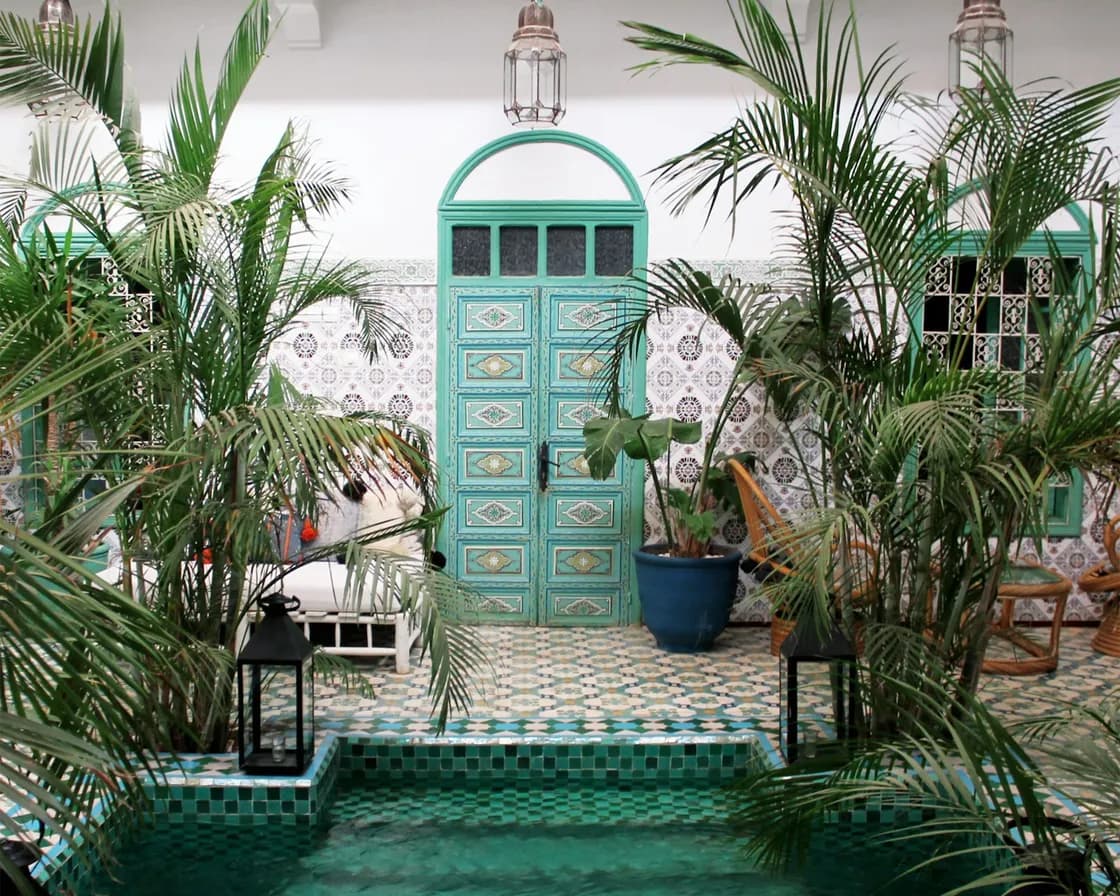
Pairing a restaurant host stand takes a minute
The screen opens the pairing page, shows an eight-character code, and you type that code into Setup and Devices. The QR code in Setup is a shortcut to the page, not a replacement for the code, so a screen cannot be paired by somebody photographing a wall.
The code lasts ten minutes. You name the screen, say what it is for, and only the kinds your plan actually runs are offered: a host stand needs Reservations, and the API refuses a kind the plan does not carry. Device pairing works the same way for a kitchen screen, a till or a board, so whoever learns it at the door can do the rest.
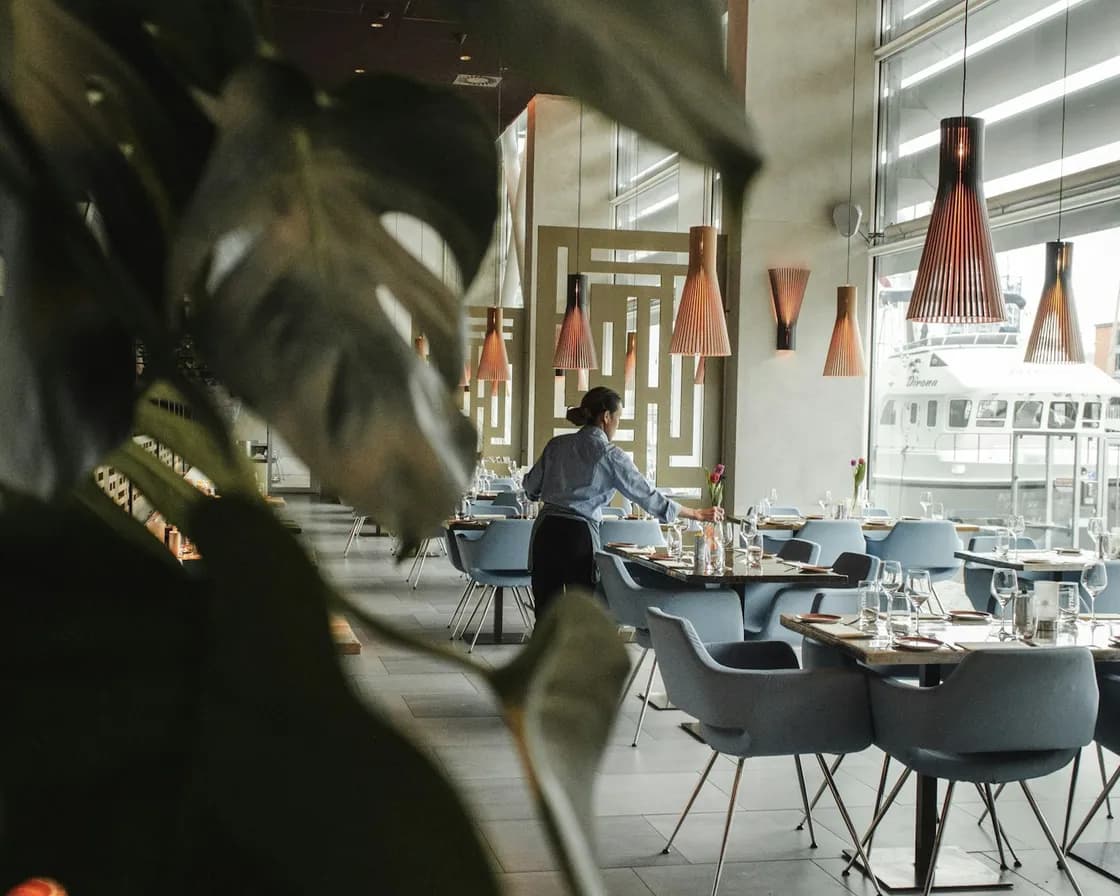
Who is on it, and whose screen it is
Staff sign in by tapping their name and typing their own four-digit staff PIN, set on their account, and too many wrong tries pauses it. The device list shows each screen as online, when it was last seen, who paired it and who is using it now.
Unpairing stops a screen at once, which matters on the night a tablet walks out of the building.

Nothing to install, and nothing to buy from us
It runs in the screen's own web browser. There is no app store, no install and no ServeAround hardware: whatever is at your door with a browser on it can be the host stand, and when it breaks you pair another one in a minute.
Screens, devices and staff logins are included in the plan. There is no fee per device, per screen, per user or per cover.
Which plan has Reservations & Waitlist?
Reservations & Waitlist is in every plan, with the floor plan and table management built in.
Starter
Reservations, the waitlist, the floor plan and QR menus.
$149per venue a month
- Reservations & Waitlist
- Menus
- Order Fulfillment
- Guest CRM
- Analytics
- Campaigns
Pro
RecommendedEverything in Starter, with ordering, the POS, the kitchen display and inventory.
$249per venue a month
- Reservations & Waitlist
- Menus
- Order Fulfillment
- Guest CRM
- Analytics
- Campaigns
Premium
Everything in Pro, with the guest CRM and feedback, analytics and email campaigns.
$349per venue a month
- Reservations & Waitlist
- Menus
- Order Fulfillment
- Guest CRM
- Analytics
- Campaigns
- AI uses a month
- 100
- No card needed
- No charge when it ends
Works with
The same book, from the office
Everything taken at the door is in the diary immediately, and everything in the diary is at the door: one book, two screens.
The queue on a full night
A walk-in made at the door can wait in the queue, where the next table that fits is offered to the first party on the list.
Somewhere to put them
The tables page says what is free, held, blocked or being cleaned, which is the question the host is answering all night.
Common questions
What is a restaurant host stand screen?
A screen at the door that runs the reservation book: new bookings, walk-ins, check-in, changes and the guest's confirmation. ServeAround's restaurant host stand is a shared screen paired to the venue, so the host is not borrowing a manager's laptop and nobody is signed in as somebody else.
How is a screen paired?
Open the pairing page on the screen, either by typing the address or by pointing its camera at the QR code in Setup and Devices, then type the eight-character code it shows into Setup and Devices. The code lasts ten minutes, and you name the screen and say what it is for as you pair it.
What can run on a shared screen?
A host stand, a kitchen display, the point of sale or a digital board, and only the kinds your plan runs are offered. A host stand needs Reservations.
Do we need a particular tablet?
No. It runs in the screen's own web browser, with nothing to install and no hardware to buy from us. Anything at the door with a browser will do, and a replacement is paired in a minute.
How do staff sign in at the door?
They tap their name and type their own four-digit PIN, and too many wrong tries pauses it. The device list shows who paired a screen and who is using it, so a shared screen is not an anonymous one.
Can we take a party onto the waitlist from the door?
Yes, as a walk-in: save them with no table yet and they join the waiting queue, which the host stand shows, to be seated from it when a table frees.
What does a host stand cost?
Nothing extra. Screens, devices and staff logins are included, with no fee per device, per screen, per user or per cover, so a second screen at a second door costs nothing to pair.